AI video technology easily and quickly creates high-quality videos.
Optimal video quality can be reached through discussion of techniques, tools, and workflows.
Here are 12 tips for editing raw AI videos to achieve professional quality.
Where to Find Leading Tools
Where to find the ideal AI Video Generator starts with platforms excelling in text-to-video, image animation, and editing workflows.
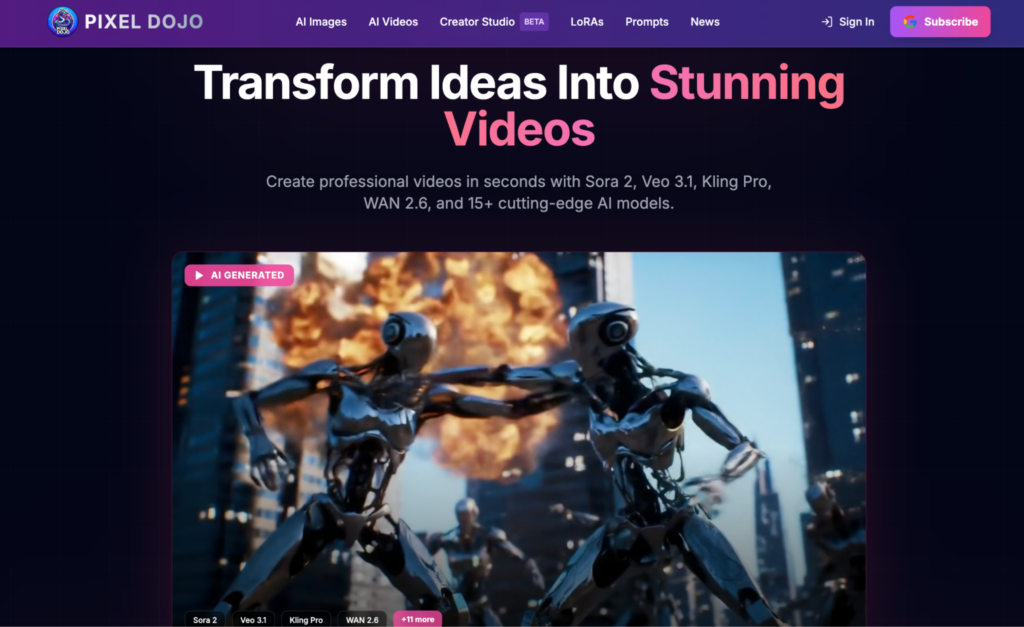
Pixel Dojo stands out for design inspiration in visual storytelling.
These solutions simplify the process from prompt to export.
Master Prompt Engineering Basics
Craft Clear, Descriptive Prompts
The best AI videos start off with a prompt describing the subjects, actions, environment, and art styles in detail, for example, “a misty forest path at dawn with sunlight piercing the canopy, cinematic depth of field”.
Use present tense verbs in active scenes, and add modifiers like “slow-motion pan” or “vibrant color grade”.
The layers are as follows: the scene action, lighting, camera work, and details.
Test Iteratively for Precision
Render short test clips to make sure the prompt generated the desired output. Use this to improve realism, such as adding “subtle particle effects” or reducing artifacts.
Dividing your complex story into sequential prompts is efficient and provides mastery over the AI’s understanding of your prompt.
Optimize Video Length and Pacing
Follow short form best practices (less than 60 seconds, hooks, pacing) and align pacing with intent: faster for social media, slower for explainers.
Use a frame rate of 24-30 fps for fluid motion, and avoid too many elements per frame to prevent fluidity of the image from being disrupted.
Leverage Image-to-Video Techniques
Start with Quality Stills
Higher resolution images also allow a smoother animation, with fewer interruptions in the graphics, producing a more realistic effect, such as in flowing rivers or waving branches.
Other examples of direct camera motion, such as “gentle zoom into the horizon”, “track left across the landscape”, speed up the process with polished results.
Refine Motion Paths
We allow multiple reference frames, which can be connected through a sequence of images to form a movie.
Enhance Visual Fidelity with Lighting
Strong lighting cues, such as “warm golden hour glow casting long shadows” and “cool blue twilight with lens flares”, attract a strong response from the AI.
Employ techniques like wide establishing shots followed by close-ups, and use preview renders for dynamically adapting exposure and contrast.
Incorporate Realistic Audio Elements
Sync Voices and Soundscapes
Regional accents form introductions for naturalistic, soundscape effects, such as leaves rustling or a score.
Scripts denote precise timings; for example, “narrator begins at three seconds over swelling music”.
Opt for emotional tones like those in the visuals to tell your story without dialogue.
Layer Effects Thoughtfully
Add foley-like footsteps or wind, but don’t overshadow dialog.
Auto-syncs with AI if given clear instructions.
Reduces post-processing to improve performance.
Edit Iteratively with Text Commands
Text edits allow detailed instructions such as “smooth shaky segments” or “brighten mid-scene exposure”.
Original versions are kept for further tweaking.
Refinements in batches for clips focus on noise, sharpness, and grading.
This creates a uniform, broadcast-quality image within a suitable time frame.
Upscale and Stabilize Footage
Prepare Inputs Properly
First, denoise low-quality sources, and apply conservative sharpening after that.
For long videos, specify a single excerpt or a time range.
For example: stabilize seconds 10 through 25.
AI upscalers work best on footage that is well-prepared, restoring compressed or blurry content.
Balance Enhancements
Preview at various zoom levels to avoid over-processing.
Stabilization may be combined with color correction for realism.
Customize Avatars for Engagement
Lifelike avatars provide custom explainers with gestures in addition to facial and body expressions.
Avatars are customizable.
Clothing and backgrounds are customizable, too.
Allows for more natural interactions and scaling to multiple languages and voices.
It is useful for tutorials or voice-over marketing.
Repurpose Content Efficiently
Later, text outlines/blogs can be automatically turned into a video by rendering images from word prompts and then adding typography/transitions/overlays.
Repurpose hooks from headline stories into shorts, maximizing their reach with little extra effort and consistent posting.
Follow Platform Optimization Rules
Use vertical 9:16 format, landscape formatting, on-screen text, and popular audio styles to meet the algorithm’s criteria.
Make the subtitles sync automatically.
Make sure it performs well on different channels and formats.
Scale with Advanced Techniques
Multi-modal inputs: text, images, and audio.
Custom training of brand-specific assets ensures a consistent brand voice.
Inpainting or physics simulations on occasion may be used to repair mistakes or produce realistic physical effects, giving a first-mover advantage to creators.
If you purposefully create your prompts, sharpen your edits, and judiciously deploy your AI tools with each of these 12 practices, you will unlock the full potential of AI video production.