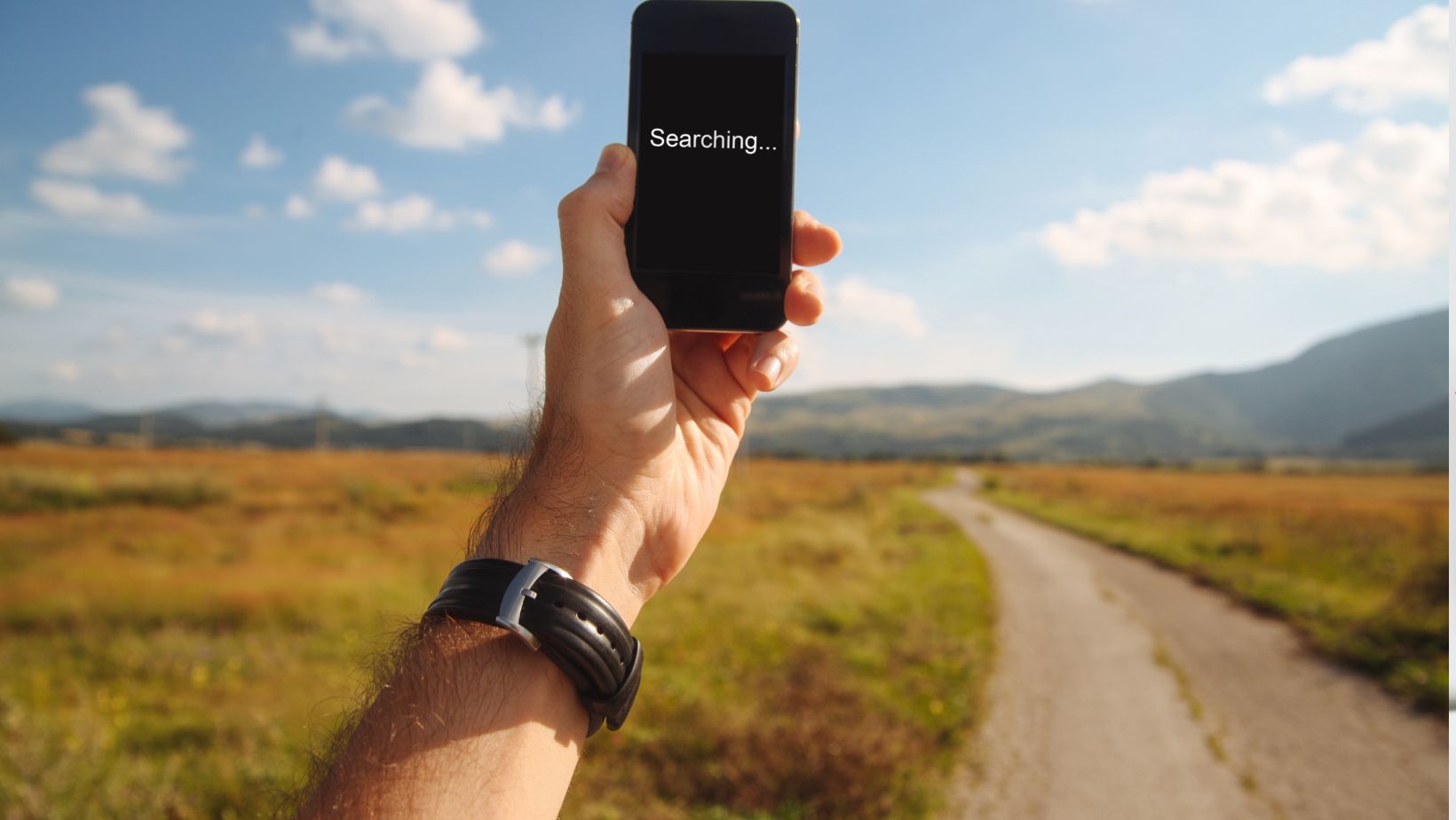
Few things feel more frustrating than losing signal while traveling abroad. You’re trying to find directions, contact your hotel, or book a ride, and a dead connection can instantly disrupt your plans. In unfamiliar places, communication failures can quickly become stressful and even risky.
A backup plan is the smartest way to avoid these problems. Many travelers today use travel eSIM plans to stay connected without relying solely on local networks or expensive roaming. Knowing what to do when your phone loses signal ensures you can handle unexpected drops calmly and continue your trip safely and efficiently. If you’re exploring flexible global connectivity options, you can check this website to compare travel eSIM solutions designed for international use.
Check Airplane Mode and Network Settings
The simplest issues cause the biggest panic. Before assuming something serious, check whether Airplane Mode is on; it blocks all mobile connections. If it’s disabled, toggle it off and on again to refresh the signal. Next, confirm that data roaming is turned on and that your phone is set to automatically select available networks. Manual selection can limit your connection if you’ve moved between regions. Resetting network settings sometimes fixes persistent problems by clearing outdated configurations.
Restart Your Device for a Fresh Connection
A quick restart can solve more than half of connection issues. Rebooting your phone resets the signal search process, allowing it to reconnect to the nearest compatible tower. It also clears minor software glitches that might block network access. This step works particularly well if your phone gets stuck in limited service mode. Once restarted, your device re-establishes connections automatically, restoring normal service within a minute or two. Simple but effective, this fix should be your first line of action abroad.
Switch Between Manual and Automatic Networks
Different regions may use separate carriers, even within the same country. Go to your phone’s settings and switch from automatic to manual network selection. This lets you choose another available provider manually. Some networks may offer better signal strength or coverage depending on the location. Once you’re reconnected, you can return to automatic mode. Checking this setting helps travelers in rural or border areas where signals overlap or switch inconsistently between networks.
Use Offline Maps and Pre-Downloaded Apps
Losing signal doesn’t have to mean losing access to essentials like navigation or bookings. Download offline maps and travel apps before departure. Platforms such as Google Maps and Maps.me allow you to save entire cities or regional maps for offline use. Many translation, itinerary, and ride-hailing apps also work offline with preloaded data. This preparation ensures that even without a live connection, you can still find your route, check landmarks, and stay oriented wherever you are.
Activate a Travel eSIM for Reliable Connectivity
Digital connectivity has made staying online abroad easier than ever. With travel eSIM plans, you can access local networks instantly without swapping physical SIM cards. eSIMs work digitally through a QR code, giving you access to multiple regional carriers at affordable rates. They’re particularly helpful in areas where your home carrier lacks partnerships. Installation takes minutes, and activation begins immediately. For frequent flyers or long-term travelers, eSIMs provide flexibility and peace of mind, ensuring your phone always connects to the strongest available signal.
Find Secure Wi-Fi Networks When Mobile Data Fails
If your mobile data still won’t connect, switch to Wi-Fi where possible. Many airports, hotels, cafés, and co-working spaces offer free or password-protected networks. Always verify the official network name to avoid connecting to fraudulent hotspots. Using a VPN adds another layer of protection, keeping your personal information safe. While Wi-Fi isn’t ideal for constant travel, it provides a quick fix for sending messages, confirming bookings, or checking maps when mobile service isn’t available.
Contact Your Carrier or Provider Support
If all else fails, reach out to your carrier’s customer service through chat, email, or Wi-Fi calls. They can check for regional outages, roaming restrictions, or account issues. Some providers require roaming activation before travel, which can block connectivity if missed. Customer support can also refresh your network registration remotely. Keeping your provider’s international helpline handy ensures you can get help quickly, even if you need to borrow Wi-Fi or another device to reach them.
Keep an Emergency Communication Backup
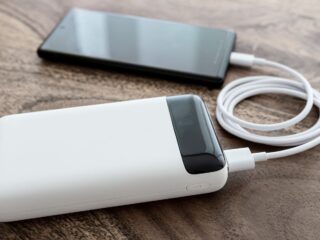
Preparation makes travel safer. Carry a backup device such as a portable hotspot, secondary SIM, or even a satellite messenger if visiting remote areas. Save key contacts offline, including local emergency numbers, your hotel address, and embassy details.

These precautions ensure communication remains possible even in worst-case scenarios. When your main phone fails, having a secondary option helps you stay reachable and secure until the signal returns.
Quick Steps to Follow When the Signal Drops
- Restart your phone and recheck network settings
- Switch between manual and automatic network options
- Move to higher ground or an open space for better reception
- Connect to a verified public Wi-Fi temporarily
- Use offline maps or downloaded travel tools
- Activate or switch to eSIM for stable data
- Contact your provider for remote troubleshooting assistance
Losing signal abroad can be stressful, but preparation and calm problem-solving keep your journey on track. Understanding your phone’s settings, using offline tools, and keeping alternatives like travel eSIM plans or portable hotspots ensures you’re never fully disconnected. Reliable connectivity means more than convenience; it enhances safety, navigation, and peace of mind. With the right tools and awareness, you can stay online, stay informed, and focus on what matters most, enjoying every moment of your adventure.
About the Author