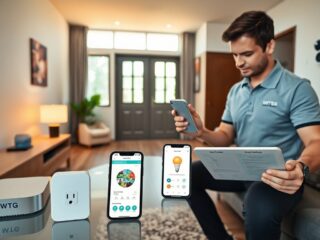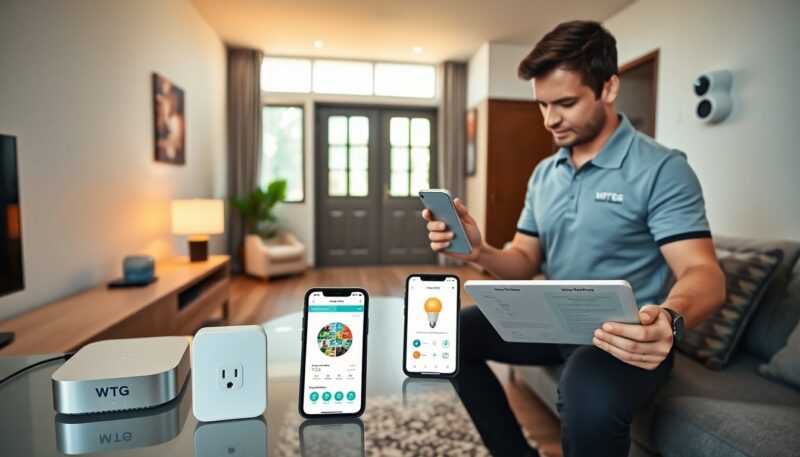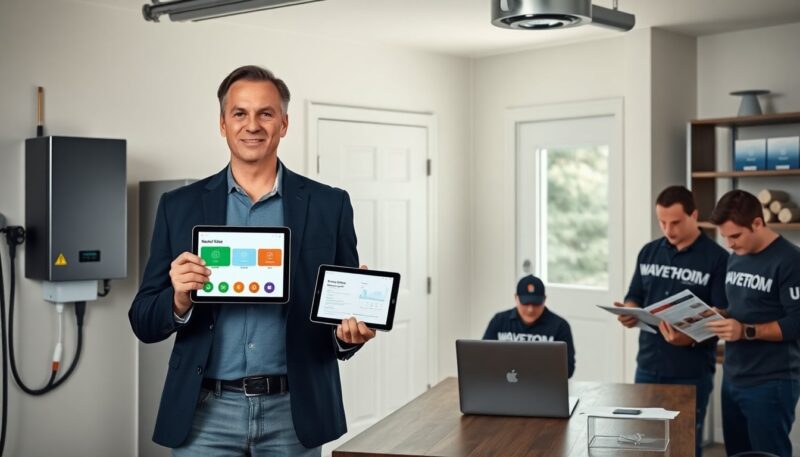
WaveTechGlobal sells WTG SmartHome gadgets for simple home automation. The guide names core products and explains how they work. It shows setup steps, security tips, and common fixes. The guide helps buyers pick devices that match their home and habits.
Key Takeaways
- WTG SmartHome gadgets by WaveTechGlobal provide reliable, user-friendly home automation compatible with standard Wi-Fi, Zigbee, and Thread protocols.
- The WTG Smart Hub Pro serves as the core for local automations, supporting offline operations and multiple connectivity options for robust home control.
- Users should follow security best practices such as unique passwords, two-factor authentication, and limiting cloud access to enhance device safety.
- WTG SmartHome devices feature quick setup via QR codes and support broad third-party integrations for flexible system expansion.
- Regular firmware updates, scheduled backups, and proper device placement help maintain performance and security for WTG SmartHome systems.
Why WTG SmartHome? Brand Overview And What Sets It Apart
WaveTechGlobal markets WTG SmartHome as a practical, user-focused brand. The company builds devices that pair with standard routers and popular voice assistants. Reviewers praise simple apps and frequent firmware updates. WTG SmartHome devices keep local control options and clear privacy settings. Buyers choose WTG SmartHome gadgets by wavetechglobal when they want reliability, clear documentation, and affordable parts. The brand supports broad third-party integrations and steady software patches. Many users report that WTG SmartHome products last multiple years with regular updates.
Core Technologies, Compatibility, And Ecosystem Integration
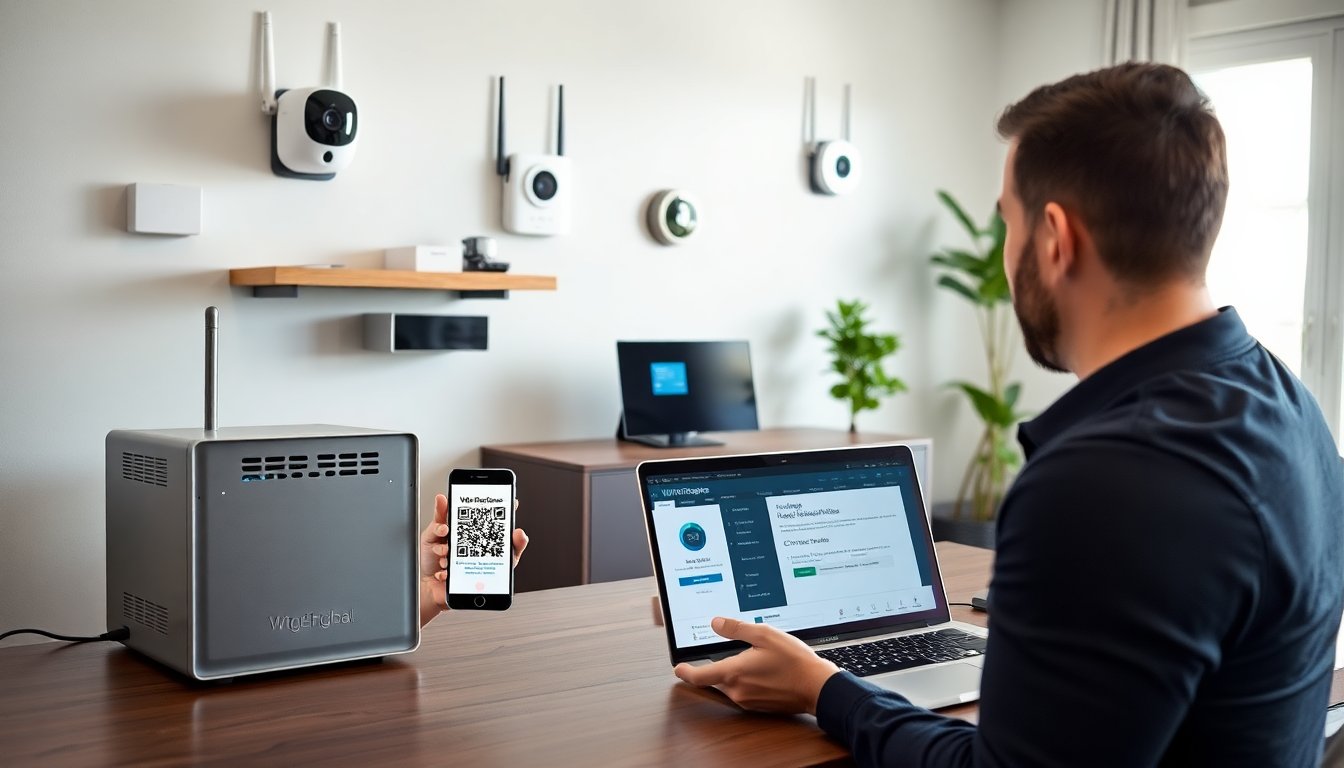
WTG SmartHome runs on standard Wi‑Fi, Zigbee, and Thread for device links. The company uses secure TLS links for cloud features and optional local control for privacy. WTG SmartHome gadgets by wavetechglobal pair quickly via QR codes in the app. The devices sync with major voice services and common smart hubs. The platform supports OTA updates and device grouping. WTG SmartHome includes an open API for power users and developers. This API lets users script routines, query device state, and log energy use. Integration guides for common hubs appear in the support center.
Top WTG Smart Gadgets: Features, Use Cases, And Quick Specs
WaveTechGlobal lists core models that cover security, climate, and automation. The lineup targets daily needs and simple upgrades. Each device fits standard wiring and common mounts. The brand supplies step‑by‑step guides and replacement parts. Many homes gain measurable energy savings and easier routines by adding a few WTG SmartHome gadgets by wavetechglobal. The next subheadings list three flagship devices and brief specs.
WTG Smart Hub Pro (Home Automation Core)
The Hub Pro links switches and sensors and runs local automations. The hub supports Zigbee, Thread, and Wi‑Fi endpoints. It runs scheduled scenes and executes rules even when the cloud is offline. The unit accepts a wired Ethernet backup and a power supply with battery backup. Installers mount the hub on a shelf or inside a closet. The Hub Pro offers a web console and a mobile app for rule editing. It also stores logs for troubleshooting. Small households use one hub: larger homes add multiple hubs for zoned control. Users often cite the hub as the key reason they buy WTG SmartHome gadgets by wavetechglobal.
Setup, Security Best Practices, And Troubleshooting Tips
Buyers place the hub near the router and avoid metal obstructions. They update firmware before final placement. Users create unique admin passwords and enable two‑factor login. They set devices to local control when possible and limit cloud access to needed features. For SecureCam 360, they tune motion zones and reduce sensitivity to avoid false alerts. For ClimateSense, they run a two‑week learn period and avoid frequent manual overrides. When a device fails to respond, users restart the device and check the hub logs. If the hub loses many devices, they reboot the router and re‑pair a single device at a time. WaveTechGlobal support provides diagnostic files and guided fixes. The company recommends scheduled backups of hub settings and periodic password reviews to keep homes secure.
About the Author