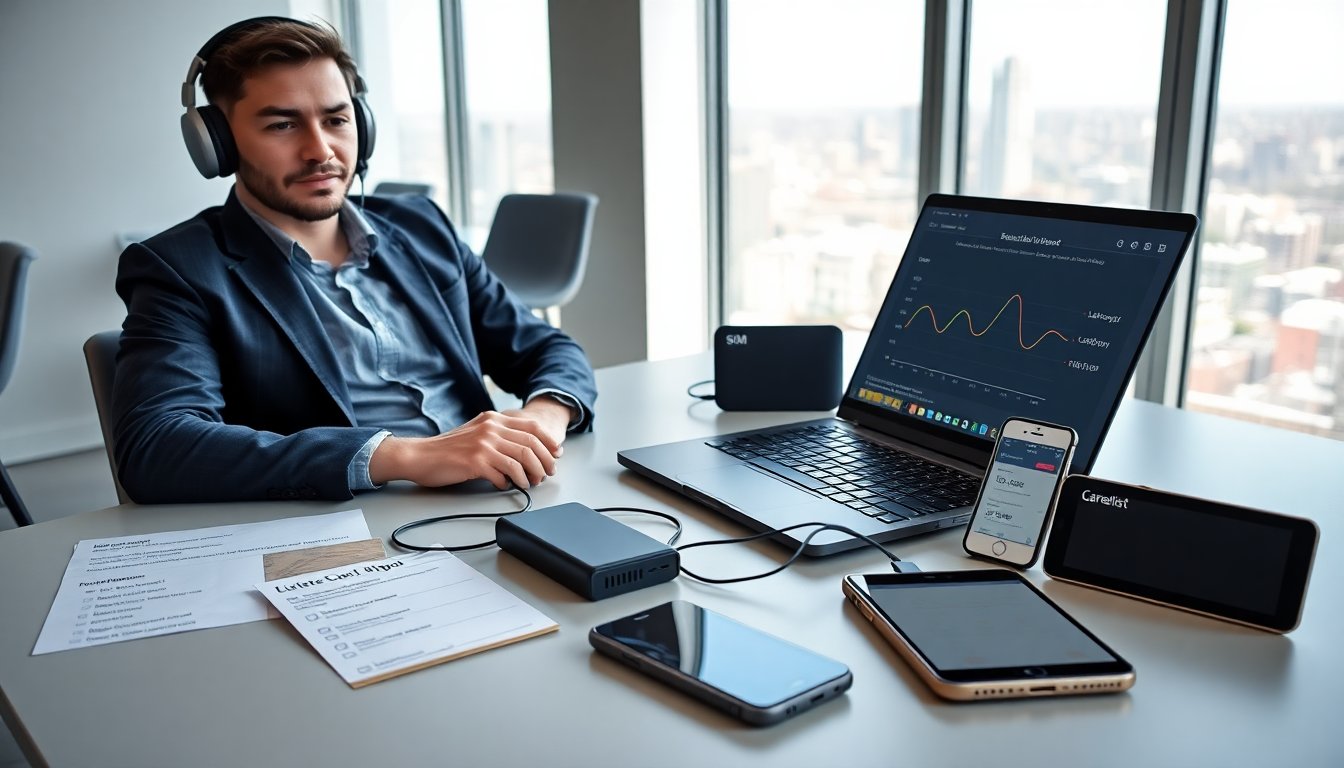
A hotspot for gaming can give a player low lag and steady speed on the go. This guide explains what makes a hotspot for gaming perform well. It covers device types, plan choices, and simple tests a player can run. The information helps a gamer pick a hotspot for gaming that fits budget and play style.
Key Takeaways
- A great hotspot for gaming delivers low latency under 50 ms, steady throughput above 10–20 Mbps down and 5–10 Mbps up, and reliable coverage for smooth gameplay.
- Dedicated mobile hotspot devices are ideal for gamers seeking steady connections, longer battery life, and enhanced speed through multiple bands and network aggregation.
- Smartphone tethering suits casual or short gaming sessions but may face speed or data limits; pairing with a power bank helps extend playtime.
- Testing a hotspot’s signal stability by checking bars, running speed tests at different times, and measuring jitter ensures consistent gaming performance.
- Using strong security settings like WPA3 and setting Quality of Service (QoS) prioritizes gaming traffic and keeps the hotspot focused on gameplay.
- Choosing a carrier plan carefully by reviewing data caps and throttling policies prevents unexpected slowdowns during peak gaming hours.
What Makes A Great Gaming Hotspot
A great hotspot for gaming delivers low latency, steady throughput, and reliable coverage. Latency matters most because it affects input response. A gamer measures latency with ping tests to servers and aims for under 50 ms for many competitive games. Throughput matters for downloads and voice chat. A gamer looks for at least 10–20 Mbps down and 5–10 Mbps up for smooth matches and streaming.
Signal stability reduces packet loss and jitter. A device with a clear line to cell towers and a carrier with strong local coverage provides stability. A player tests signal strength by checking bars, running speed tests at multiple times of day, and measuring jitter. A hotspot for gaming should show consistent results across those tests.
Device features also matter. A dedicated mobile hotspot often includes external antenna ports and better heat management. A smartphone can tether, but long sessions may throttle or overheat the phone. Battery life matters for portable play. A gamer prefers a hotspot device or battery pack that supports several hours of continuous gaming.
Security and network settings affect performance. A gamer uses WPA3 or WPA2 with a strong password to avoid interference from other users. A player disables background app updates on the host device and sets QoS where available to prioritize game traffic. These steps help keep a hotspot for gaming focused on the match instead of downloads or backups.
Finally, the carrier plan shapes real-world use. A gamer reads the fine print for data caps, throttling rules, and peak-hour slowdowns. A plan that advertises “unlimited” may throttle after a threshold. A careful player checks carrier terms and tests the hotspot during peak hours before committing.
Top Hotspot Options For Gamers
A gamer chooses between dedicated hotspot devices, smartphones, and wired backup solutions. Each option gives different value for price, portability, and performance. This section compares the main paths and gives quick guidance on when each option fits a player’s needs.
A dedicated mobile hotspot device gives steady connections and longer battery life. A gamer buys one for full-time portable play, for team practice away from home, or for events. A hot device often supports multiple bands and network aggregation, which improves speed and reduces latency. A gamer who travels or streams should favor a dedicated hotspot for gaming.
Smartphone tethering offers convenience and lower upfront cost. A gamer uses it for casual play or short sessions. A tethered phone can handle many titles, but carriers may limit tethering speed or data. A player checks plan limits and looks for gaming settings on the phone to reduce background load. For long sessions, a gamer pairs tethering with a power bank or a laptop power plan to avoid shutdowns.
Wired backups like USB tethering or portable routers that accept SIM cards give a mix of stability and portability. A gamer uses USB tethering when mobile coverage is good and the phone needs to save battery. A portable router can create a small local network, which helps when multiple players share the same hotspot for gaming.
About the Author