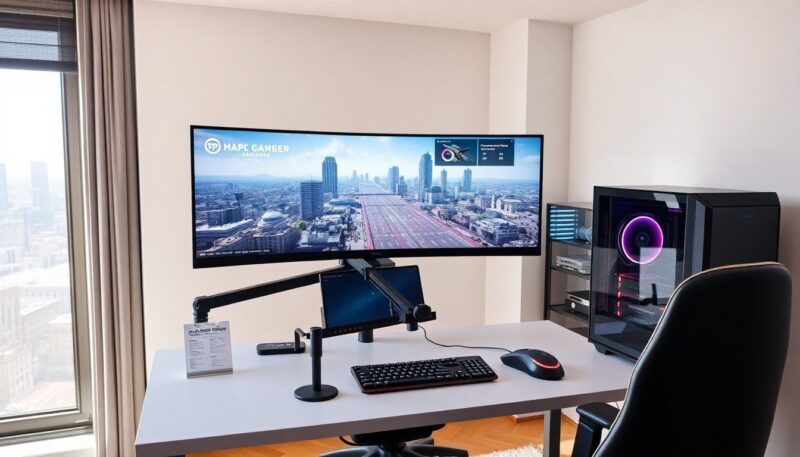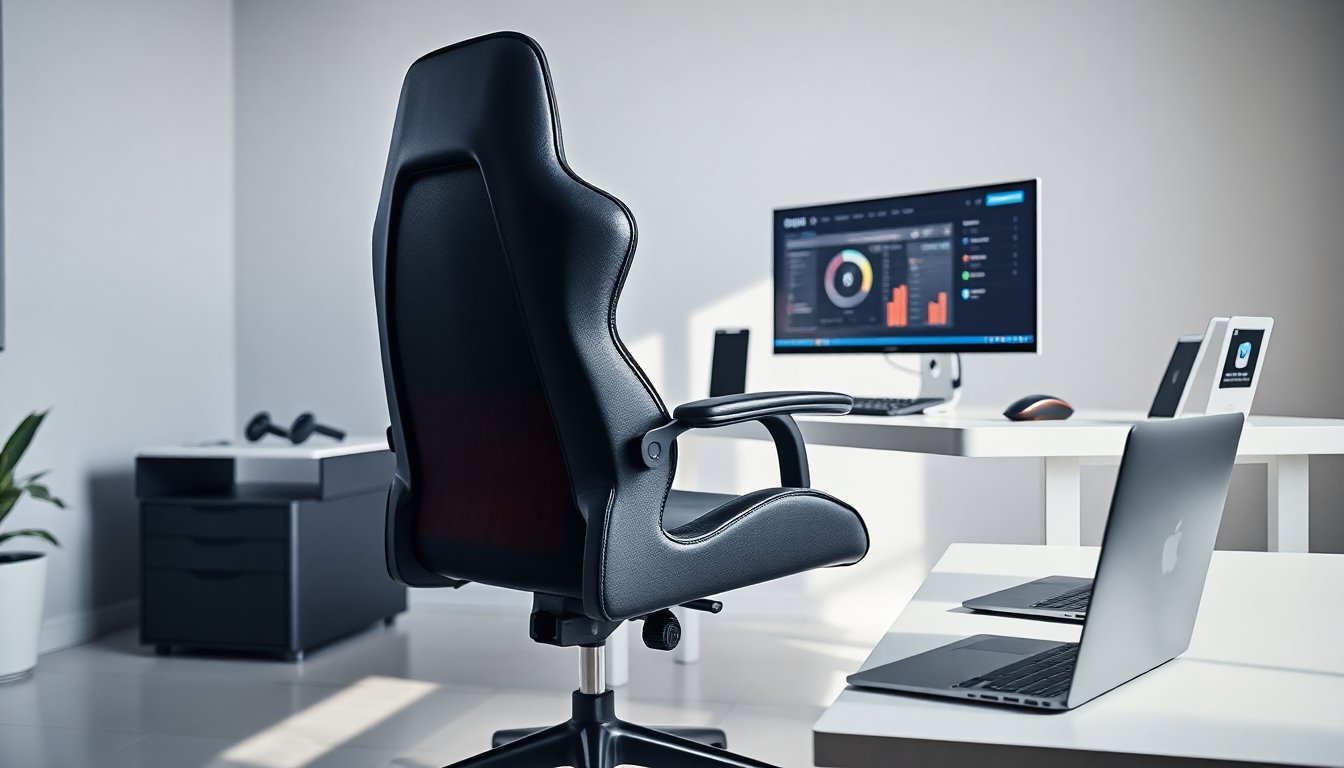
A heated gaming chair gives players warm support during long sessions. This guide explains why a heated gaming chair matters. It lists key features, compares pros and cons, and shows how they fit different setups. It also covers care, safety, and smart use. Readers will leave prepared to pick a heated gaming chair that matches their body, desk, and budget.
Key Takeaways
- A heated gaming chair enhances comfort during long gaming sessions by warming core muscles and supporting better posture.
- Look for heating systems with even heat distribution, adjustable temperature levels, and reliable safety features like overheat protection.
- Choose a heated gaming chair that fits your body size, desk height, and has breathable materials to reduce sweat and improve durability.
- Heated gaming chairs consume less power than space heaters and can ease mild aches, but should be used alongside good posture and regular breaks for best benefits.
- Maintain safety by unplugging before cleaning, inspecting wiring regularly, and never leaving the chair heated overnight.
- Test chairs when possible and prioritize ergonomic features like lumbar support and adjustable armrests for long-term comfort and health.
Why Heated Gaming Chairs Are Worth Considering
A heated gaming chair reduces stiffness and improves comfort during long play. It warms core muscles and supports better posture. It helps players who live in cold climates or in rooms without steady heat. It offers a quick, local heat source that costs less than whole-room heating. It can raise mood and focus by increasing comfort. Gamers who sit for hours report less distraction when they use a heated gaming chair. Buyers should expect clear benefits for comfort, not medical cures.
Key Features To Look For (Heating, Materials, And Ergonomics)
Buyers should check heating power, material quality, and ergonomic support. Heating elements must heat evenly and offer multiple levels. Materials must resist wear and breathe to avoid sweat. Ergonomics must include lumbar support, adjustable armrests, and tilt lock. A wired controller gives simple control. A wireless controller adds convenience. Weight capacity and seat depth must match the user. Warranty and return policy must protect buyers against early failures. Price should reflect material quality, not just brand name. A good heated gaming chair balances heat, materials, and ergonomics for safe long use.
Heating System Types And Performance Metrics
Heated gaming chairs use carbon fiber pads, resistive wire, or film heaters. Carbon fiber heaters warm fast and stay thin. Resistive wires cost less and last long. Film heaters distribute heat evenly across the seat and back. Buyers should check maximum temperature, heat zones, and time-to-heat. Power draw in watts tells how much electricity the chair will use. Safety features must include thermostat cutoffs and overheat protection. Testing shows most chairs reach useful warmth in two to five minutes. A well-designed heated gaming chair keeps surface heat steady without hot spots.
Pros And Cons: Comfort, Health Benefits, And Energy Use
A heated gaming chair boosts comfort and reduces muscle tension. It helps recovery after exercise by increasing blood flow. It can ease mild aches linked to sitting. It uses low power compared with space heaters. Drawbacks include extra cost and possible uneven heat on cheap models. A heated gaming chair can increase sweat if the material does not breathe. Some users find heat distracting at first. The health benefits are modest and suit general comfort more than medical treatment. Users should pair a heated gaming chair with good posture and regular breaks.
How To Choose The Right Heated Gaming Chair For Your Setup
Measure desk height and chair clearance before shopping. Match seat height to desk height to keep wrists neutral while gaming. Check the chair width and armrest range for mouse movement. Choose a heated gaming chair with easy-to-reach controls. Pick a chair with multiple heat settings for flexible comfort. Try the chair in store or check a return window online. Look for a chair that supports the user weight and size. Consider fabric choices: leather-like vinyl cleans easily and breathable fabric reduces sweat. Add a separate cushion only if the chair lacks proper lumbar support.
Maintenance, Safety, And Smart Usage Tips
Unplug the heated gaming chair before cleaning. Spot-clean fabric with mild soap and water. Avoid harsh solvents on the heating elements. Inspect wiring monthly for wear or loose connections. Follow the maker instructions on weight limits and power adapters. Use heat on low for long sessions and on high for short bursts. Take a 10-minute break every hour to stand and stretch. Do not leave a heated gaming chair on overnight. Parents should supervise use around children. Proper care will extend the life of a heated gaming chair and reduce safety risks.
About the Author