WaveTechGlobal.com contact the crew is the fastest path to get help, send feedback, or ask media and business enquiries. The site maintains a clear contact page and support emails that aim to resolve website issues, content questions, and account problems. This guide explains who the crew is, when to reach them, which channel to pick, what details to include for quicker answers, and realistic response expectations in 2026.
Key Takeaways
- WaveTechGlobal.com contact the crew provides clear channels for help, feedback, and enquiries, ensuring fast and effective communication.
- Use the appropriate contact method: email or support portal for detailed, ticketed help, and social media or forums for quick public feedback.
- Including essential details like page URL, device, browser, and a problem description speeds up issue resolution with the WaveTechGlobal.com contact the crew.
- Expect initial responses within one business day for emails and minutes for live chat, with prioritization given to site-breaking bugs and urgent account issues.
- Avoid sending sensitive personal information initially; the crew will provide secure channels if needed.
- WaveTechGlobal.com contact the crew recommends concise, clear messages with “wavetechglobal.com” in the subject line to ensure correct routing and faster replies.
Who We Are And When To Contact The Crew
WaveTech Global is a technology news and how‑to publisher founded by Dorian Stewart and edited by Ivan Pecotic. The crew includes editors, tech writers, and a small support team who handle site issues, corrections, and partnership enquiries. Contact the crew when a page shows broken media, an article contains an error, an account needs help, or a company wants to propose a collaboration. For example, a reader who spotted a factual error in a Pokemon how‑to should email immediately with the article URL and the exact paragraph, that speeds reversal and correction. For business proposals, the crew asks for concise scope, timelines, and a contact phone or calendar link so they can route requests to sales or editorial staff.
Primary Contact Channels — How To Choose The Best Option
Choose the contact channel that matches the problem: simple corrections and quick feedback go to public channels: complex technical problems should use the email form so a ticket exists. For publishing or corrections, the site prefers an email or form entry that includes the page URL and screenshots. For account recovery and urgent technical faults, use the official email listed on the contact page to create a tracked request. For general reading and community discussion, social channels often deliver faster visibility but may not create a support ticket.
The site’s dedicated guide on direct channels explains the best times and practical routing for urgent issues, which helps readers pick the right path when every minute counts. The crew’s main contact page also lists a general support address and a form to submit attachments, which is the reliable choice for evidence‑backed requests.
Email And Support Portal: Best For Detailed Requests And Ticketed Help
Answer: Use email or the support portal when the issue requires logs, screenshots, or a formal ticket. Email and web forms create records the team can assign and escalate. Users should put “wavetechglobal.com” in the message body and include a clear subject line like “Site error, article missing image, /how‑to/pokemon‑move.” That format cuts triage time.
When a technical bug affects uploads or account access, attaching a short video or timestamped screenshot reduces back‑and‑forth. The site’s contact listing and a longer procedural guide explain when a form is better than direct email for structured requests. For those weighing form vs. direct email, a short supporting piece outlines precise scenarios where forms prevent lost messages and route to the right queue.
Social Media And Community Forums: Quick Questions, Feedback, And Public Updates
Answer: Use social posts or community forums for short questions, public feedback, and status updates. These channels are visible, which encourages faster public replies for questions like minor content clarifications or sitewide notices. The crew does not publish every social handle on the main contact page, but community tools and public chat are used for announcements and quick triage.
A practical example: a reader who wants to report a broken download link can post in the comments or a public thread: the crew will often acknowledge the report publicly and request a private message with details. Public channels are less secure, so never post passwords or personal IDs there. If sensitive data is needed, move the conversation to the email form so the team can open a private ticket.
What To Include In Your Message To Get Faster, More Accurate Help
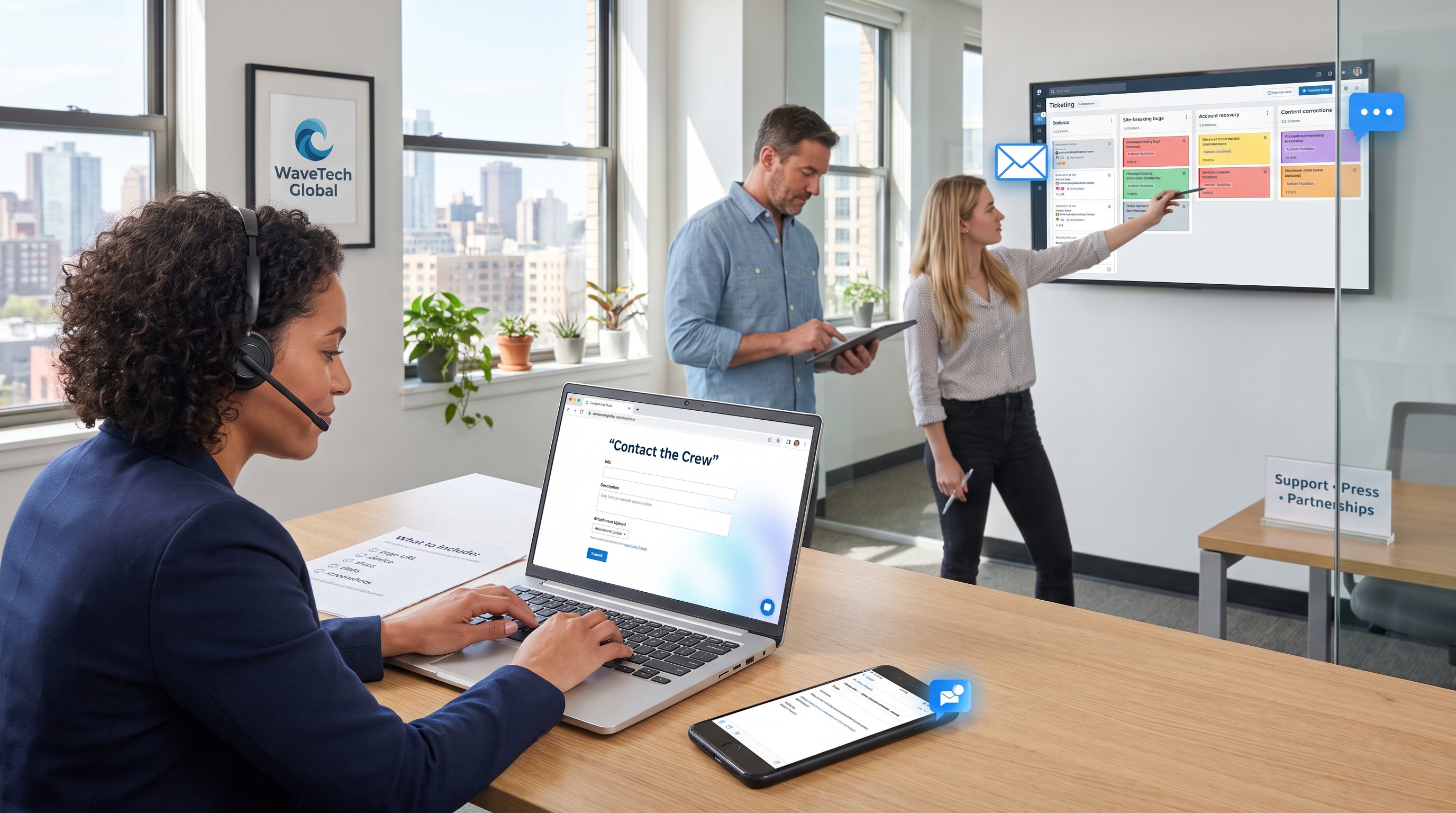
Answer: Include the page URL, device and browser, a brief reproduction of the problem, and contact details. Those four items let the crew reproduce and prioritize the issue without extra questions.
Specifics that matter: a full article link (not just the site name), exact timestamps for video errors, console errors if available, and the email used to register. For partnership or media enquiries, provide company name, a 2‑sentence project summary, budget or range, and preferred follow‑up method. The contact page explicitly asks users to state “wavetechglobal.com” in emails so requests are routed correctly: that small instruction reduced misrouted tickets by the team in past reviews.
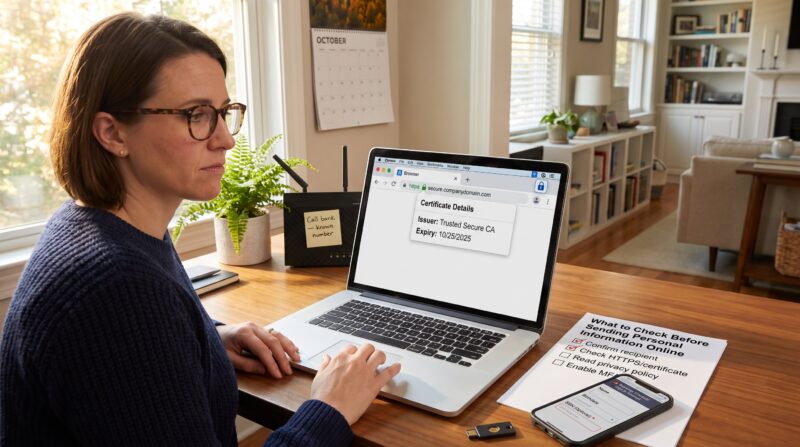
Warning: never send full personal IDs or payment details in the first message. If a support case requires sensitive information, the crew will provide a secure channel. For guidance on crafting concise professional messages that prompt quick replies, standard best practices for polite, focused emails apply and mirror academic advice on clear subject lines and brevity.
What To Expect After You Contact Us — Response Times, Priorities, And Escalations
Answer: Expect a first reply within one business day for emails: live chat often responds in minutes for urgent issues. WaveTech Global states typical email replies arrive within one business day. For live chat and callbacks, smaller account levels may wait longer while premium or press queries receive faster escalation.
Prioritization follows clear rules: site‑breaking bugs come first, then account‑loss cases, then content corrections and partnership requests. If a request needs engineering time, the team will create a ticket and give an estimated SLA. For quick corrections, many readers see a public acknowledgment within 2–10 minutes on chat and a follow‑up ticket the same day.
If an answer has security implications, for example, a suspected phishing link found in comments, the crew advises immediate contact and follows a 7‑step remediation checklist used across publishers to protect accounts and readers.
Conclusion
WaveTechGlobal.com contact the crew runs on clear channels: use email/form for detailed or sensitive issues and public channels for fast, visible feedback. Include the page URL, device, and concise reproduction steps to speed resolution. Expect an initial reply within one business day and faster answers for chat or urgent engineering escalations.
About the Author