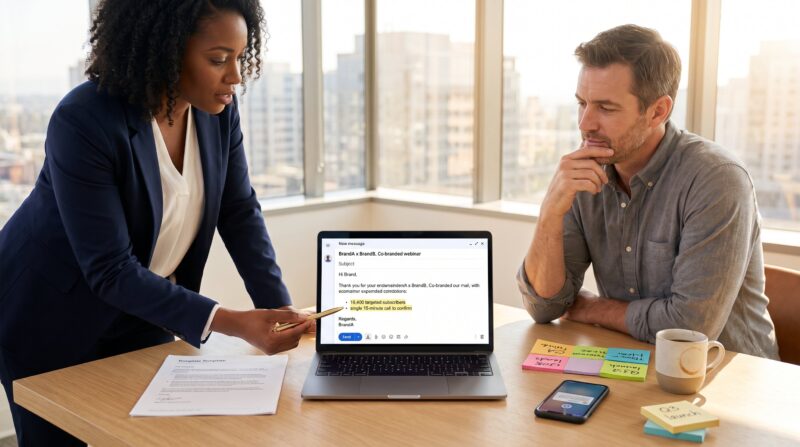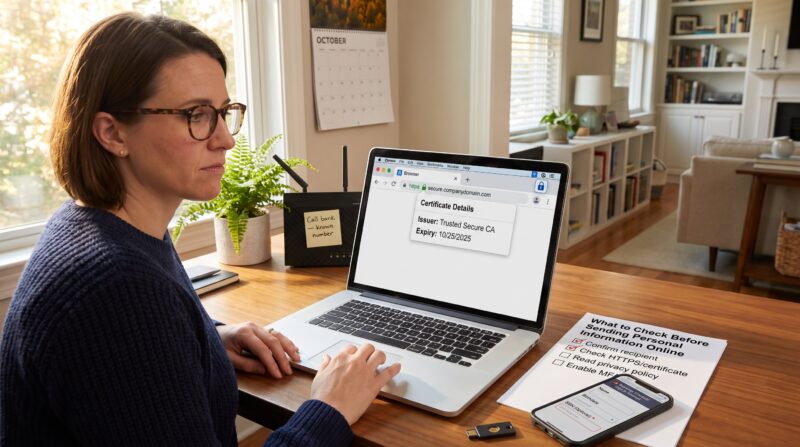
When To Use A Contact Form Instead Of Direct Email matters because the chosen channel changes response speed, data quality, and security. The article gives clear rules for 2026: use forms when structure, automation, and spam protection improve workflows: use direct email when trust, nuance, or attachments matter. It helps readers decide quickly and shows practical trade-offs, not abstract theory.
Key Takeaways
- Use a contact form when you need structured information, automated routing, and spam protection to improve workflows and data quality.
- Contact forms are ideal for customer support and high-volume inquiries as they enable faster triage and reduce handling time with required fields like order ID or product details.
- Forms help capture and qualify leads efficiently by using structured fields for scoring and automated routing, saving time and improving conversion rates.
- Direct email is preferred when nuance, trust, and flexibility matter, such as in one-off negotiations, sensitive discussions, or when attachments are necessary.
- Offering both contact forms and direct email options allows organizations to balance automation benefits with personal, detailed communication needs.
- Public email addresses increase exposure to spam, so use forms to limit spam and provide clear guidance on when to use each contact method for best results.
Why The Choice Between Form And Email Matters
The choice determines how many inquiries arrive, how well they’re tracked, and how quickly they’re resolved.
Many teams see a flood of low-value messages when an address is public: that creates noise and delays. A contact form enforces required fields (order ID, product, urgency) so staff triage faster and measure volume. Direct email preserves personal context and trust, people expect a one-to-one conversation in their mailbox and often include longer histories or attachments.
Practically, the method affects four outcomes: spam volume, data quality, routing efficiency, and perceived credibility. Security also matters: public email addresses invite automated scraping and phishing. For a clear primer on the risks of phishing and why hiding addresses helps, refer to a recent explanation of phishing threats on TechRadar (phishing overview).
Teams that match channel to purpose cut response time and reduce rework. That simple alignment is the core decision criterion going into the next sections.
When To Use A Contact Form: Clear Scenarios And Benefits
Use a contact form when structured information, automated routing, or spam protection are priorities.
Forms force consistent input: topic, budget, company size, or urgency. That consistency allows immediate actions, CRM creation, lead scoring, or auto-replies, so staff act on the right items first. For example, an inbound form that collects “budget” and “timeline” enables immediate qualification and routes hot prospects to sales within minutes, saving an estimated three hours of manual sorting per week for small teams.
Forms also reduce spam by keeping an address off the public web and adding CAPTCHAs or honeypots. That lowers false positives and improves visibility for legitimate messages. Finally, forms link directly to workflows: submissions can create tickets, trigger FAQ suggestions, or push entries to analytics for trend detection.
Teams that want consistent data and predictable automation should favor forms for routine and high-volume contact.
Customer Support, FAQs And High-Volume Inquiries
Forms work best for customer support and high-volume inquiries because they standardize triage.
A support form that asks for category, product model, and order ID narrows down root causes before a human reads the message. That structure enables instant actions: show an FAQ item, create a ticket, or insert the order details into a support dashboard. In practice, this reduces average handling time: support teams using structured forms report faster first-response times and fewer back-and-forths.
Concrete example: a gaming accessory vendor receives 2,847 warranty queries a month. By adding a form that requires serial number and purchase date, the vendor cut verification time by 45% and accelerated replacements. The form also triggers automated “next steps” content so many issues resolve without a human reply.
Warning: poorly designed forms can frustrate users. Always include an optional free-text box and a clear path to email for cases that don’t fit predefined fields.
Lead Capture, Qualification And Workflow Routing
Forms are essential for reliable lead capture and qualification because they provide structured fields for scoring.
A form that asks for company size, role, budget range, and timeline lets automated systems assign a lead score. High scorers go to a senior rep: low scorers receive nurturing content. That automated routing prevents lost leads and reduces manual data entry. In one example, a small SaaS seller routed leads by budget and closed deals 22% faster after implementing conditional fields.
Forms also keep the data in one record: submission, follow-up, and conversion live in the same CRM pipeline. That single source of truth avoids duplicative notes and speeds forecasting.
For practical setup guidance and how to reach support during setup, teams can reference the site’s contact options via the team help page: see the staff contact link in case a form needs manual escalation (contact the crew).
Design tip: use progressive profiling, ask minimal fields at first and request more only after the user engages, to balance conversion and data needs.
When Direct Email Is The Better Option
Direct email is better when nuance, trust, or user preference outweigh structure.
Some visitors distrust forms and feel a visible email address signals authenticity, especially for solo consultants, niche experts, or personal portfolios. Direct email also supports flexible conversation threads and keeps records in the sender’s mailbox, which many people prefer for legal or organizational reasons.
Use direct email for one-off negotiations, partnership outreach, or when the contact needs a human tone to build rapport. For instance, a specialist offering high-value advisory services gains credibility by showing a personal address. That visibility can produce higher-quality inbound conversations even if volume is lower.
Caution: public email addresses increase exposure to spam and require stronger filtering or alias strategies. For sites that accept direct email, publish clear guidance about expected response times and privacy practices to set expectations.
Sensitive, Complex, Or One-Off Conversations
Direct email is preferable for sensitive or highly specific discussions because it accepts long narratives, attachments, and legal notices.
Complex cases, HR disputes, contract negotiations, or confidential bug reports, often exceed the limits of predefined form fields. Email allows the sender to attach documents, include previous correspondence, and narrate details without constraint. That richer context reduces misinterpretation and speeds resolution for unique problems.
A real challenge: a researcher attempting to share proprietary data found a form’s file-size limit blocked their submission. Switching to email preserved the entire dataset and prevented data loss. Lesson learned: keep both channels available and state when to prefer email in your contact guidance.
Security note: when email handles sensitive content, recommend encrypted attachments or an agreed secure transfer method. Also link to the site’s guidance on sharing personal data to help users choose the safest path (check before sending).
Conclusion
Forms win when structure, automation, and spam protection matter. Direct email wins for trust, nuance, and sensitive content. Many organizations should offer both: forms for routine routing and email for complex, one-off conversations. For practical templates and feedback pathways, consult the site’s guidance on submitting article feedback and partnership enquiries to streamline handoffs and expectations (submit feedback, partnership template).
About the Author