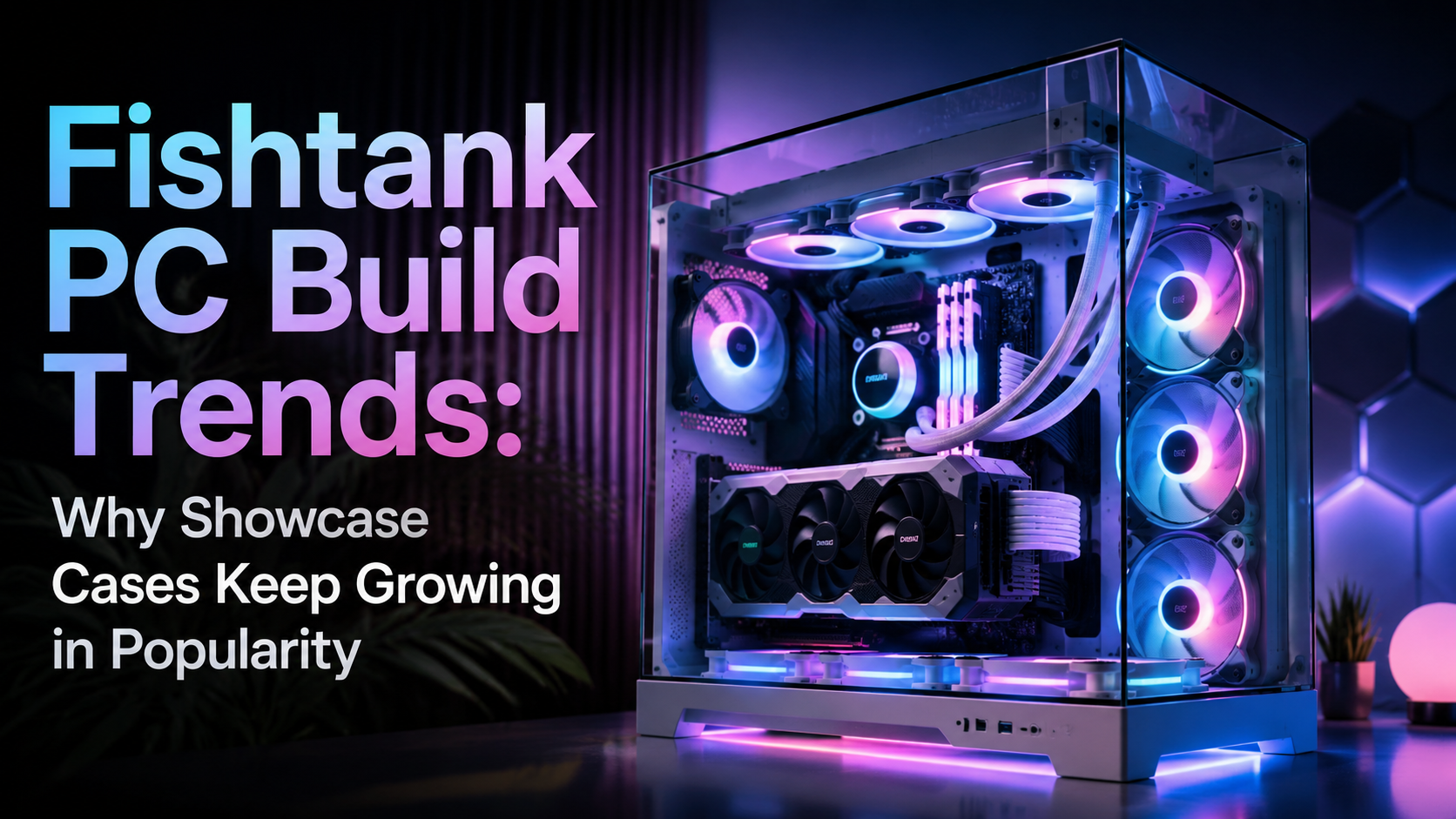
Desktop setups are turning into visual art pieces. Selecting a build from Hyper Cyber allows enthusiasts to display their hardware through panoramic glass. This “fishtank” style eliminates the thick corner pillars that once obstructed the view.
The Shift Toward Panoramic Visibility
Early gaming PCs used small acrylic windows to show off a single LED strip. Current trends favor full transparency, using tempered glass on the front and side panels. This change moves the PC from a hidden box under the desk to a centerpiece on top of it. These cases provide a clear view of the interior from multiple angles, making the hardware the main attraction of the room.
Builders prioritize specific features when selecting these showcase enclosures:
- Pillarless corners for an uninterrupted view of the motherboard.
- Integrated cable management systems to hide wires behind the back panel.
- Vertical mounting options for heavy graphics cards to prevent sagging.
- Bottom intake vents that pull cold air directly onto the GPU.
The focus on visibility turns internal organization into a form of industrial design, where every component must be placed with intention.
Thermal Design in Glass Enclosures
A common concern involves heat buildup inside glass-heavy cases. To solve this, manufacturers use a dual-chamber approach. The power supply, storage drives, and cables sit in a separate compartment, leaving the main area open for airflow. This separation prevents heat from the PSU from affecting the temperature of the processor and graphics card.
Efficient cooling setups in showcase builds often follow these configurations:
- Side intake fans that bring air across the motherboard.
- Top-mounted radiators for liquid cooling exhaust.
- Reverse-blade fans that maintain a clean look while pulling air in.
- Perforated top and bottom panels to maximize passive exhaust and active intake flow.
This layout helps keep high-performance processors at safe temperatures during heavy gaming sessions. High-end builds utilize these airflow paths to maintain peak clock speeds without thermal throttling. The result is a system that stays cool while looking like a museum exhibit.
Customization and Component Trends
Showcase cases drive the demand for visually striking components. Since the hardware is always on display, manufacturers create parts specifically for this aesthetic. Users often choose components that match a specific color theme or feature digital displays. This level of customization allows individuals to express their personal style through their tech.
The most popular hardware additions for fishtank builds include:
- All-in-one liquid coolers with programmable LCD screens.
- RGB memory modules with diffused lighting.
- Motherboards with white or metallic heat sinks.
- Custom-sleeved power cables in various colors.
These parts turn a standard computer into a personalized workstation. The trend reflects a growing desire for hardware that performs well and complements the interior design of a room.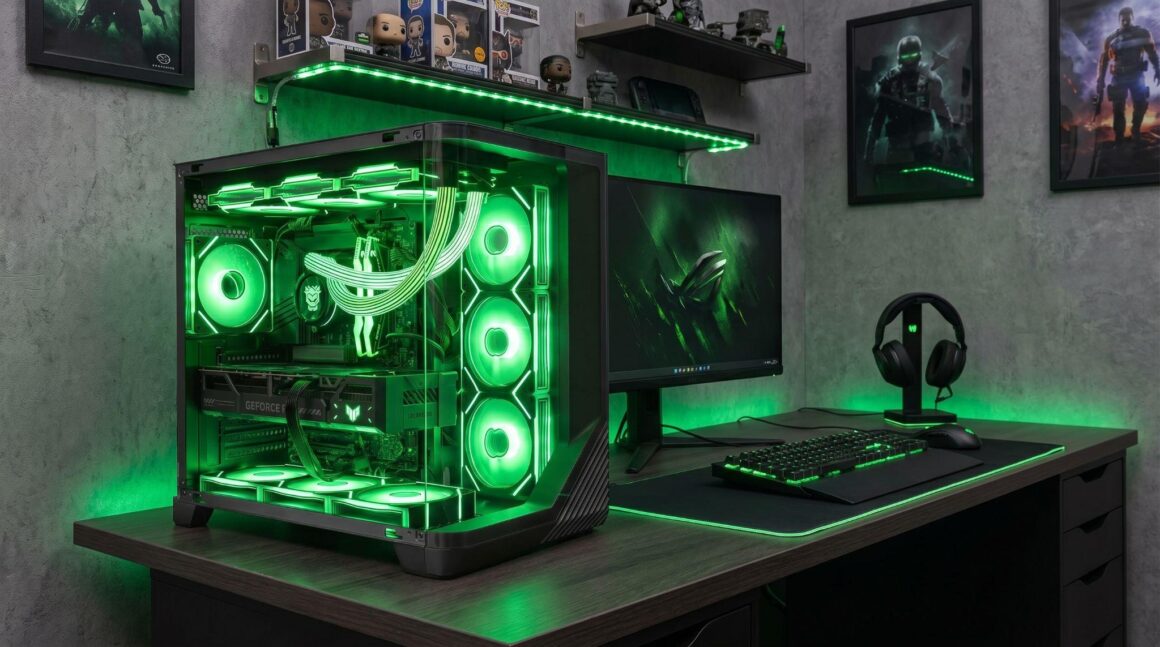
The Rise of Hidden Connector Technology
An innovation supporting the fishtank trend is the back-connect motherboard. By moving power and data ports to the back of the board, builders can eliminate visible wires in the main chamber. This creates a “floating” component look that maximizes the glass effect. It is a significant leap forward for those who value a minimalist aesthetic.
Manufacturers are adapting their case designs to support this tech by:
- Adding specific cutouts in the motherboard tray for rear plugs.
- Widening the rear compartment to fit thick power connectors.
- Using toolless panel removal systems for easy access to the back side.
This evolution simplifies the building process and makes the final result look professional. It highlights the shift toward a more polished and gallery-like PC presentation that continues to dominate the enthusiast market.
About the Author