Selling digital products is a writing business whether you meant it to be one or not. Before a single ebook, course, or membership earns a dollar, someone has to write the product itself, then the sales page, then the product descriptions, the launch emails, the lesson scripts, the lead magnet, and the endless stream of social media posts that point people back to your store.
For most creators, that pile of words is the real bottleneck — not the idea, and not the platform. It is the blank page that sits between you and your next launch.
That gap is exactly what the best AI writing tools were built to close. The difficulty in 2026 is not finding an AI writing tool; it is choosing one, because there are now hundreds of them and nearly every product on the market claims to be one of the best AI writing tools you can buy.
When every AI writing assistant promises faster drafts, a stronger brand voice, and cleaner copy, the marketing stops helping you decide.
The best AI writing tools in 2026 are all-in-one workspaces and specialized AI writing software that draft, rewrite, summarize, and polish written content in minutes. Top picks include Eliten for an all-in-one text toolkit, Jasper for marketing copy, ChatGPT and Claude for general writing, Rytr for budget short-form, Sudowrite for fiction, Grammarly for editing, and QuillBot for rewriting. The right ai writer depends on what you actually sell — not on which model is “most powerful.”
This guide is written for people who sell what they make: ebook authors, course creators, coaches, membership owners, and solo sellers running a digital storefront.
We have placed each of these AI writing tools in the category where it genuinely performs best, with honest notes on what it costs and where it falls short, so you can build a shortlist in a few minutes instead of testing a dozen apps. We deliberately left pure SEO platforms off this list — this is about the writing and the selling, not about gaming search engines.
How we picked the best AI writing tools
Every AI writing assistant here earns its place for one reason: it solves a real problem in a digital-product workflow. We did not rank on raw model size or hype.
We looked at how each AI writing software handles the writing tasks a seller actually faces — drafting a product, writing marketing copy, holding a consistent brand voice across a launch, and editing everything to a publishable standard.
We also weighted three practical factors that matter more than benchmark scores. The first is fit: the best AI writing tool for a sales page is rarely the best AI writing tool for a 30,000-word ebook. The second is cost, because most sellers are running lean and a free plan or a $9 tier changes the math.
The third is trust, because ai-generated content that reads well but gets facts wrong can quietly damage a brand you have spent years building. Those three lenses — fit, cost, and trust — shaped the whole list.
One more principle guided the order. Most AI writing tools are built on the same underlying technology, so the differences that matter are rarely about the model. They are about workflow: which app removes the most friction between your idea and a finished, on-brand asset you can sell.
What counts as an AI writing tool?
An AI writing tool is any software tool that uses artificial intelligence to help you produce written content — drafting, rewriting, summarizing, or editing.
Most AI writing software is built on the same core AI technology: large language models and the branch of natural language processing that lets a machine understand and generate human text.
That shared foundation is why most AI tools in this space feel broadly similar at first, and why the differences that matter show up in workflow rather than raw capability.
The category is broad. Some AI tools are full workspaces; most other AI tools are narrow specialists that do one job well. Some offer AI writing assistance inside apps you already use; others live in their own chat.
What unites them is a single promise: to move you off the blank page faster than writing unaided. Most tools in 2026 deliver on that promise for first drafts. Almost none deliver a finished, sellable asset without a human pass — which is exactly why the editing stage matters as much as the tool you pick.
Quick comparison of the best AI writing tools in 2026
Use this table as a fast shortlist, then read the full entries for the tools that fit what you sell. Pricing is a starting point only; see the disclaimer at the end and confirm current plans on each vendor’s site before you buy.
|
Tool |
Best for |
Starting price |
Free tier |
Watch for |
|
Eliten |
All-in-one text toolkit for sellers |
Freemium (starts at $0) |
Yes |
Newer name than the incumbents |
|
Jasper |
Marketing and sales copy at scale |
~$59–$69/mo |
Trial only |
Priced for teams, not hobbyists |
|
ChatGPT |
Versatile all-round drafting |
$0 (ad-supported) |
Yes |
Free tier now shows ads |
|
Claude |
Long-form ebooks and course content |
$0 |
Yes |
Usage caps on the free plan |
|
Rytr |
Budget short-form and product blurbs |
~$9/mo |
Yes |
Weaker on long form |
|
Sudowrite |
Fiction and narrative ebooks |
~$10–$19/mo |
Trial only |
Niche; overkill for non-fiction |
|
Grammarly |
Editing and final polish |
$0 |
Yes |
An editor, not a drafter |
|
QuillBot |
Rewriting and repurposing content |
$0 |
Yes |
Best as a companion tool |
The 8 best AI writing tools in 2026
Here is the full list, ordered by how central each tool tends to be for someone building and selling digital products. Each entry covers who it is best for, what it costs, and what to watch for, so you can judge fit quickly.
1. Eliten — the all-in-one text workspace for creators who sell
Most sellers do not need ten different apps. They need one place where the whole writing process lives, and that is the case Eliten makes.
It is an all-in-one AI workspace that bundles more than a dozen text tools into a single chat: an AI writer for drafting from scratch, a humanizer, an AI detector, a paraphraser, a summarizer, an article summarizer, a grammar checker, and translation. Instead of juggling tabs, you describe the task and the right tool opens for you inside one workspace.
That design is a strong fit for the way digital-product sellers actually work. In a single session you might draft a product description, tighten a sales-page headline, summarize a long lesson into a lead magnet, and run the whole thing through a grammar checker before it goes live.
Eliten keeps that entire cycle in one window, which removes the tab-juggling that slows most content creation down. If you are new to AI writing, a short quiz matches the right tool to your task, and a built-in personal coach explains what each tool does — useful when you are learning the ropes rather than shopping for another power tool.
Eliten runs on a freemium model, so you can start writing at no cost and upgrade only when your volume justifies it. That lowers the risk of trying yet another AI writing assistant: you get to test output quality against your own writing style before spending anything.
For creators who want capability and a low barrier to entry in the same product, it is a genuinely practical starting point. You can explore the full text toolkit at Eliten’s AI writing tools.
Best for: Solo sellers and small teams who want one workspace for drafting, rewriting, summarizing, and editing. Pricing: Freemium; starts at $0, with paid tiers for heavier use — check the site for current plans. Watch for: It is a newer name than the incumbents, so it has less third-party review coverage even though the core text tools cover the tasks most sellers need daily.
2. Jasper — marketing and sales copy at scale

When the writing that pays your bills is copy — sales pages, product descriptions, ad copy, launch emails — Jasper is the AI writing software built for exactly that job.
It has spent years positioned as a business-grade platform for marketing teams, and its strongest feature is brand voice: you can train a unique brand voice from samples of your own writing, then generate marketing copy that stays on that voice across an entire campaign. For a seller running a launch, that consistency is worth real money.
Jasper’s template library and campaign tools are aimed at producing high quality content at volume.
If you are writing twenty product descriptions, a full email sequence, and a batch of ad copy variations for a new course, a versatile tool like Jasper can carry a large share of the first draft while you focus on the offer and the editing. Its brand voice control is where it pulls ahead of most AI writers for commercial work.
The catch is price. Jasper is built for marketing teams and priced accordingly: plans run in the region of $59 per month on annual billing and about $69 per month month-to-month, and there is no permanent free plan — new users get a short trial rather than an ongoing free tier.
Exact tiers and trial length shift often, so confirm current pricing on Jasper’s site before committing. For a hobbyist selling one ebook, that is a lot. For a creator whose store is a real business and whose marketing copy is a core cost, it can pay for itself in saved hours.
Best for: Sellers and small marketing teams producing marketing copy, ad copy, and sales pages at scale with a consistent brand voice. Pricing: No permanent free plan; paid plans start around $59–$69 per month — check the site for current figures. Watch for: It is priced for teams, so the value only appears once you are producing content marketing at real volume.
3. ChatGPT — the versatile all-rounder
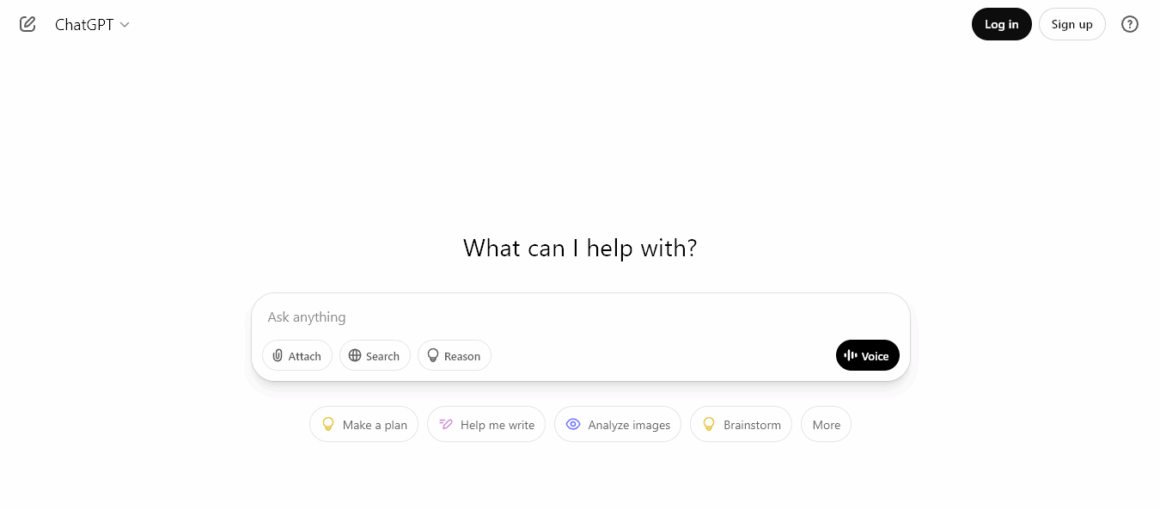
ChatGPT is the tool most people already have open, and for good reason. As a general-purpose AI writing assistant it is remarkably flexible: it will brainstorm course titles, outline an ebook, rough out a sales email, rewrite a paragraph in a different tone, and answer research questions, all inside the same chat.
For sellers who want one dependable AI writer for the messy middle of the writing process — the ideation, the outlining, the “help me start” moments — it is hard to beat as a default.
Its biggest strength is breadth. Because it handles so many writing tasks competently, it works well as the tool you reach for before you know exactly what you need.
It is excellent for overcoming writer’s block, for turning a rough voice memo of an idea into a structured outline, and for pressure-testing an offer by arguing both sides. Most AI writing tools now use large language models under the hood, and ChatGPT is the product that put that capability in front of the mainstream.
On pricing, there is a capable free version, though as of early 2026 the free tier is ad-supported. A lower-cost Go plan sits around $8 per month, and the Plus plan is about $20 per month for higher limits and the newest models.
Plans and limits change frequently, so confirm the current structure on the site. The main thing to watch is accuracy: like all large language models, it can produce content that sounds authoritative while containing subtle factual errors, so anything you publish or sell needs a human editing pass.
Best for: Ideation, outlining, and general drafting across nearly every type of short form content and long form content. Pricing: Free version (ad-supported); Go around $8/mo; Plus around $20/mo — check the site. Watch for: It sounds confident even when it is wrong, so fact-check anything customer-facing.
4. Claude — long-form ebooks and course content
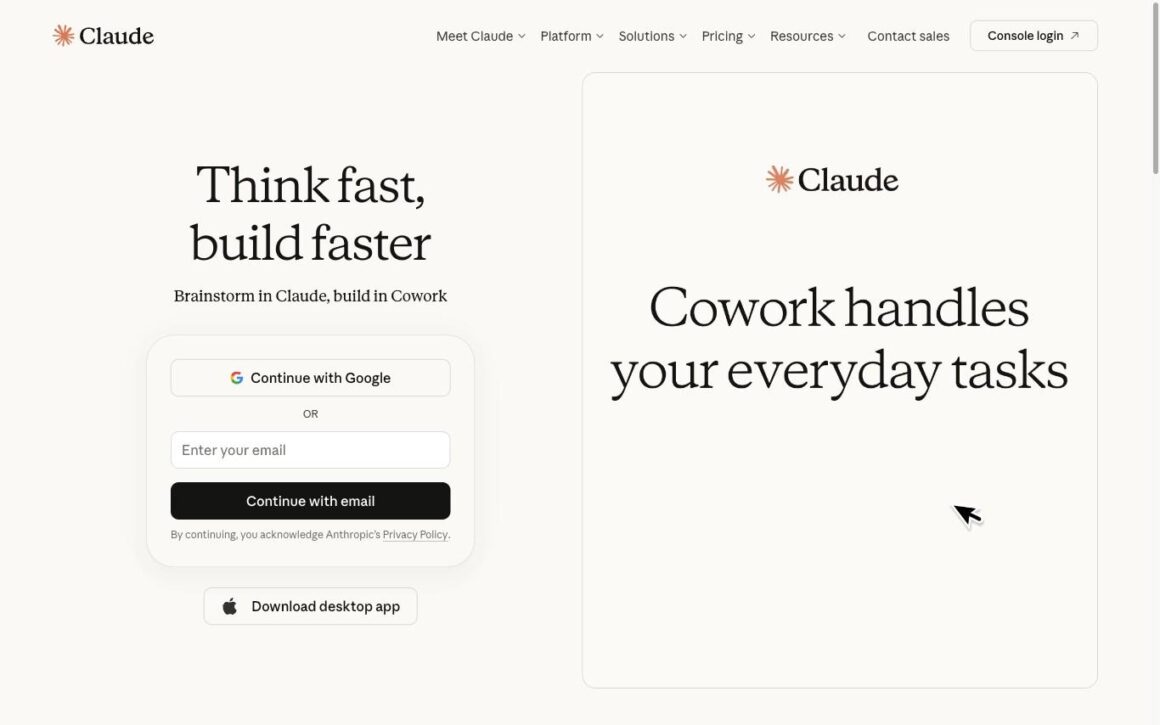
If the digital product itself is the writing — a book, a long guide, a multi-module course — Claude is the AI writing assistant that tends to hold up best over length.
It is strong at long form content, keeping tone and argument coherent across thousands of words in a way that many AI writers lose after a few paragraphs. For an author drafting chapters or a course creator writing lesson scripts, that stamina matters more than any single clever feature.
Claude is also a careful editor of your own writing. Paste in a draft chapter and ask it to tighten the pacing, flag weak transitions, or match a sample of your writing style, and it will work with nuance rather than flattening everything into generic prose.
Its deep research capabilities can cross-reference multiple sources when you are writing evidence-backed non-fiction, which helps when a course promises accuracy its buyers will hold you to. Used well, it can manage a large slice of the entire writing process for a book-length project.
There is a free plan that is genuinely usable for lighter work, with a Pro plan at roughly $20 per month (about $17 per month on annual billing) that raises usage limits for people writing daily.
As always, confirm current pricing on the site. The main constraint on the free version is capacity: heavy long-form work will hit limits, at which point the paid tier becomes the practical choice.
Best for: Long-form ebooks, course content, and evidence-backed non-fiction where coherence across length matters. Pricing: Free plan available; Pro around $20/mo (~$17/mo annual) — check the site. Watch for: Serious long-form use will hit free-tier limits quickly.
5. Rytr — budget short-form and product descriptions
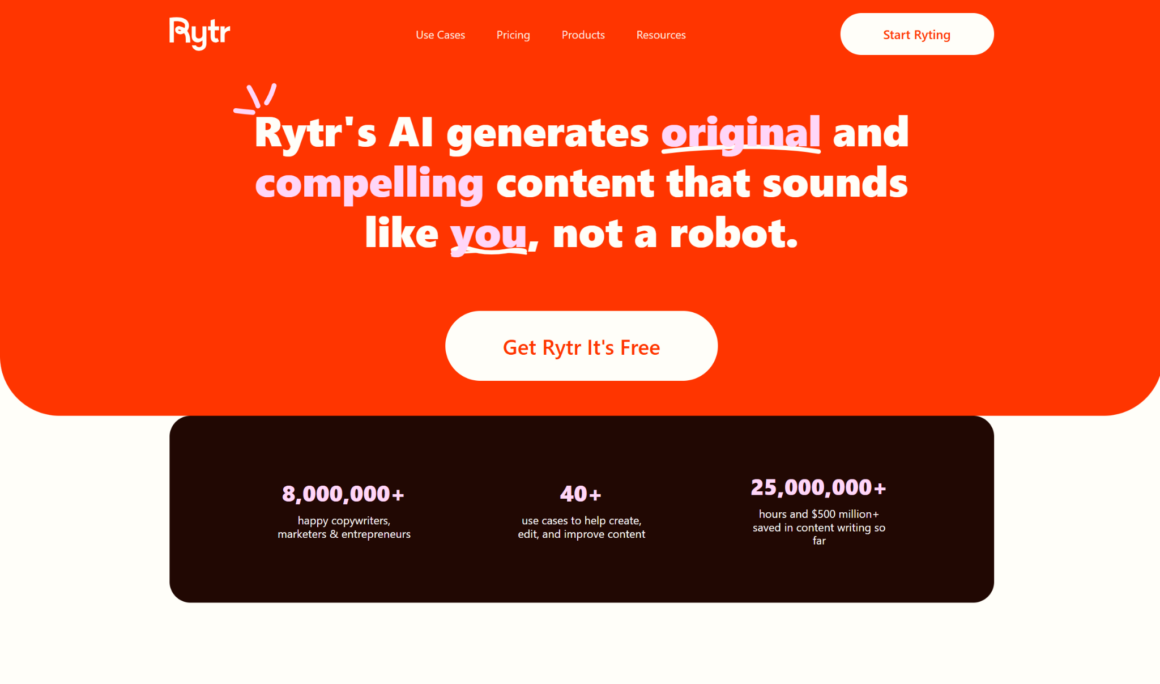
Not every writing task needs a premium subscription. When you are churning out product descriptions, email subject lines, ad copy, and social media posts, Rytr is the AI writing tool that does the short-form job for the least money.
It offers more than 40 templates covering exactly the formats a seller needs, plus a large library of tones, and it is built to spit out clean short form content fast. With over 6.5 million reported users, it has become the go-to budget option in the category.
For a digital storefront, that template-driven approach is a real time-saver. Need ten variations of a product blurb, a handful of promotional captions, and a few subject lines for a launch email? Rytr turns that from an afternoon into a coffee break.
It is a short-form workhorse rather than a full content platform, so you will edit for tone and accuracy, but as a first-draft engine for marketing copy it is hard to beat on price.
Rytr keeps a permanent free plan capped at 10,000 characters per month — roughly 1,500 to 2,000 words, enough to test whether the output matches your writing style. Paid plans start around $9 per month for effectively unlimited generation, with a higher tier for teams and multi-language work.
Plan names and exact figures vary across sources and change periodically, so check Rytr’s site for current tiers. The trade-off is length: coherence degrades on genuinely long form content, so keep Rytr for the short stuff.
Best for: Budget-conscious sellers producing product descriptions, ad copy, and social media posts at volume. Pricing: Free plan (10,000 characters/month); paid from around $9/mo — check the site. Watch for: It is a short-form specialist; long-form drafts lose coherence.
6. Sudowrite — fiction and narrative ebooks
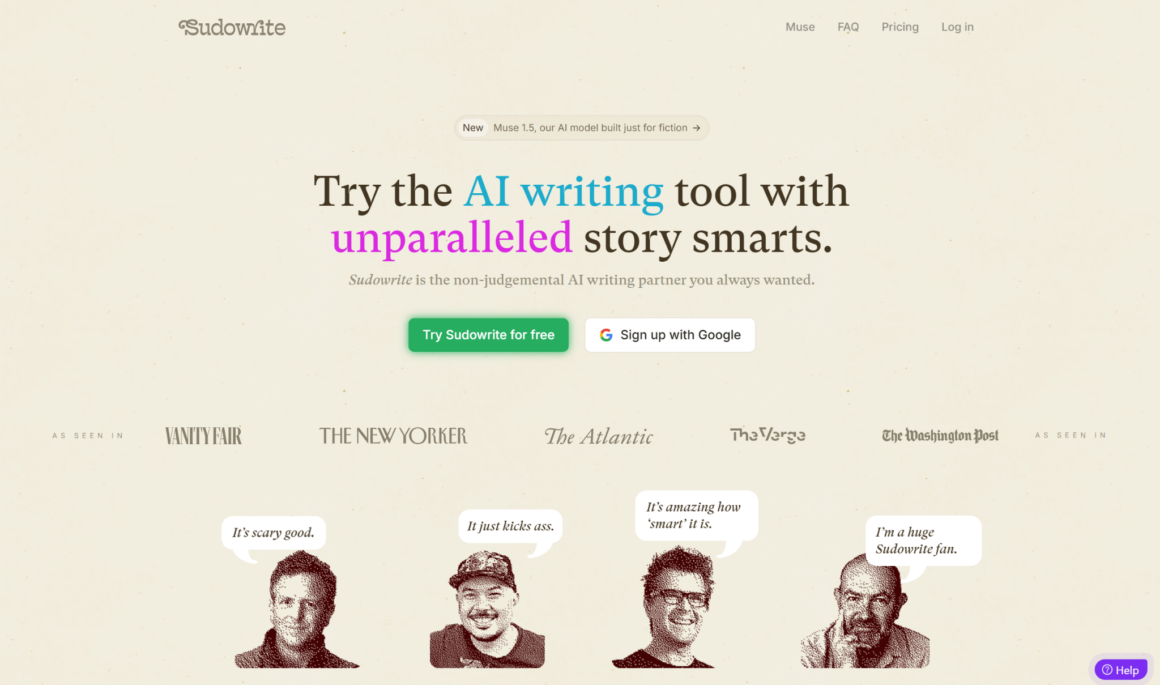
If what you sell is a story — a novel, a serialized fiction ebook, a narrative-driven guide — most general AI writing tools will fight you. Sudowrite is the exception, because it was designed specifically for creative writing and fiction rather than marketing copy.
It understands the mechanics fiction writers care about: character, scene, pacing, and voice. For authors writing fiction, that focus makes it feel less like a generic text generator and more like a writing partner.
Its feature set is unusually tuned to the craft. Tools for expanding a scene, describing a setting through the senses, brainstorming plot directions, or rewriting a passage in a tighter voice all speak the language of writing fiction rather than the language of content marketing.
For a creative writing project where the words are the product, that specialization is the whole point. It is one of the few creative writing tools genuinely built for authors and screenwriters rather than adapted from a business tool.
Sudowrite does not offer a permanent free plan; instead there is a credit-based trial, then paid tiers that generally start around $10 to $19 per month on the entry plan and rise from there for heavier use.
Pricing and credit structures shift, so confirm current plans on Sudowrite’s site. If you write non-fiction, this is overkill — but for fiction writers selling their stories, it is the specialized tool the general assistants cannot match.
Best for: Fiction writers and authors selling novels or narrative ebooks who need creative writing support. Pricing: No permanent free plan; entry tiers start around $10–$19/mo — check the site. Watch for: It is a niche; for non-fiction it is more tool than you need.
7. Grammarly — the final polish before you publish
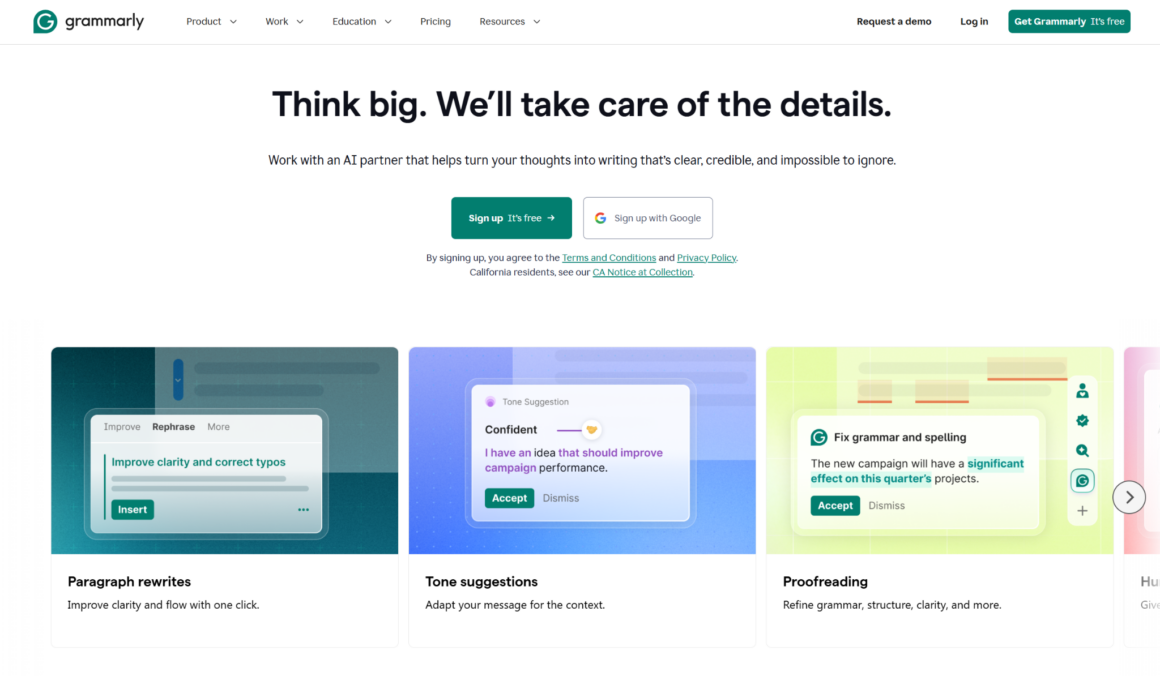
No matter which tool drafts your words, something has to catch the typo in your sales-page headline before ten thousand people see it.
Grammarly is the best-known AI writing assistant for that final layer: it is a grammar checker with AI features that reviews spelling, grammar, clarity, tone, and phrasing across almost everything you write. For a seller, it is the safety net between “good enough” and “publishable.”
What makes it a fixture in the writing workflow is reach. Grammarly works inside the browser, your email, and your documents, so it checks your writing everywhere you already work rather than asking you to paste text into another app.
It will flag a clunky sentence in a product description, soften an unintentionally harsh line in a support email, and quietly fix the errors that make a store look amateur. Its editing tools are the reason it stays on so many creators’ machines even when they draft elsewhere.
There is a solid free plan covering core spelling and grammar. The paid tier — now branded Pro — runs about $12 per month on annual billing (closer to $30 month-to-month) and adds clarity, tone, and more advanced features.
Confirm current pricing on the site. The key thing to understand is what Grammarly is not: it is an editor, not a drafter. It will not write your ebook, but it will make sure the ebook you wrote does not embarrass you.
Best for: Polishing and proofreading everything from product descriptions to launch emails before you publish. Pricing: Free plan available; Pro around $12/mo annual (~$30 monthly) — check the site. Watch for: It edits; it does not draft. Pair it with a writing tool.
8. QuillBot — rewriting and repurposing content
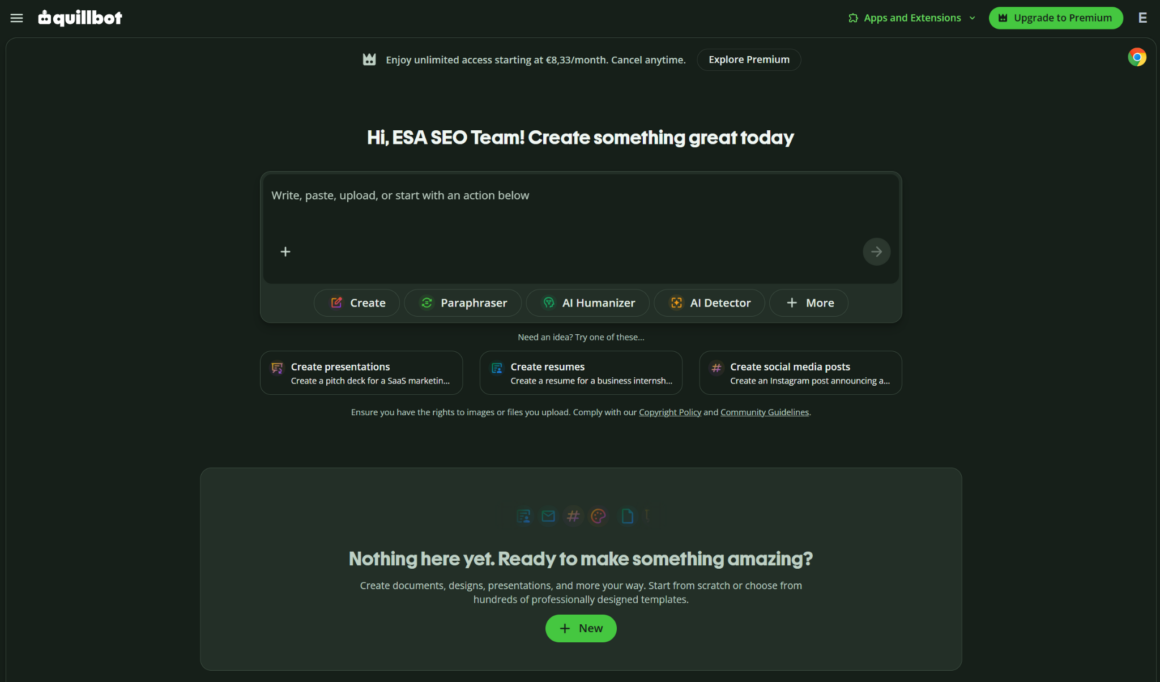
Sellers rarely write something once. A course lesson becomes a blog post, becomes an email, becomes five social captions.
QuillBot is the AI writing tool built for that repurposing work: at its core it is a paraphraser and rewriter that reshapes existing content into new forms and tones without you starting from a blank page. When you already have good words and just need them in a different shape, it is faster than drafting fresh.
That makes it a natural companion to the drafting engines higher on this list. Write the lesson in Claude, spin the promotional angles in ChatGPT, then use QuillBot to rework a strong paragraph into a punchier social version or a calmer email version.
It also bundles a summarizer and basic grammar and editing tools, so it doubles as a light all-in-one for tidying up ai content and your own writing alike.
QuillBot offers a capable free version with daily limits, and a Premium plan whose monthly price is often cited around $19.95 month-to-month and closer to $8 to $10 per month on annual billing — figures vary by source and by promotion, so check QuillBot’s site for the current number.
As with the others, treat it as a specialist: it is superb at reshaping content and modest as a from-scratch ai writer.
Best for: Repurposing one asset into many — rewriting, paraphrasing, and reshaping content across formats. Pricing: Free version available; Premium commonly cited around $8–$20/mo depending on billing — check the site. Watch for: It is a rewriting specialist, not a primary drafting tool.
What to look for in an AI writing tool
Before you commit to any AI writing software, weigh a handful of key features against how you actually work. The best AI tools earn a lasting place in your content creation stack; the rest quietly become subscriptions you forget to cancel.
Start with fit for your writing. A flexible tool that adapts to sales pages, blog posts, and course content beats a rigid one — though if you only write one kind of thing, a specialist may serve you better than a jack-of-all-trades. Match the AI technology to the job.
Weigh brand voice control next. If consistency matters, look for AI tools that let you train and save a unique brand voice from your own samples. A tool that holds your unique brand voice across every asset is worth more than one with a longer feature list.
Then look at editing and revision. The best AI tools do not just generate writing; they help you refine it. Look for built-in rewriting, summarizing, and grammar support so you can create content and clean it up in one place instead of bouncing between other tools.
Check output you can trust. Because AI content can carry quiet factual errors, prefer tools that make checking easy. When you write content that customers pay for, reliability is a feature, not a nice-to-have.
Consider export and portability. Most tools should hand off cleanly to Google Docs or your editor of choice — a good sign that a piece of AI writing software respects your workflow rather than trapping your drafts inside it.
Finally, think about how a tool plays with the other tools you already use. The best setups are rarely a single app but a few AI tools that pass work between them: one to draft, one to edit, one to repurpose.
Even a small stack of complementary tools beats one bloated platform, and it keeps you from over-relying on any single ai content engine.
How AI writing tools actually work
Understanding what is under the hood makes you a better buyer. Almost every AI writing tool on this list is built on large language models — systems trained on billions of words drawn from books, articles, and the open web.
Those large language models learn the statistical patterns of language and use them to predict likely next words, which is how they generate content that reads fluently. Most AI writing software wraps that capability in a chat interface, so you type a request and the model responds.
Because most AI writing tools use the same underlying technology, the raw text-generation quality across the leading products is closer than the marketing suggests.
What separates the best AI writing tools is not the model but the layer around it: the templates, the brand voice settings, the editing tools, the way the app fits into your writing workflow. This is why the same logic applies across the category — you are usually choosing an interface and a workflow, not a fundamentally different brain.
That shared foundation also explains the category’s biggest weakness. Large language models are pattern machines, not fact machines, so ai-generated content can sound authoritative while carrying subtle factual errors.
Natural language processing has made the prose smooth; it has not made the model reliably correct. For anyone selling a product built on trust, that is the single most important thing to remember about how these tools work.
How AI writing tools have evolved
The category looks nothing like it did a few years ago. Early AI writing tools were generic text generators: you gave them a prompt and got back a plausible-but-shallow copy that needed heavy rewriting.
They were novelties more than production tools. The leap since then has been from generic generators to specialized platforms, each tuned for a particular kind of writing.
That specialization is why this list exists. There is now a meaningful difference between an AI writing assistant built for marketing copy, one built for writing fiction, one built for editing, and one built as an all-in-one workspace.
Research and academic writing tools focus on evidence-backed text generation and can cross-reference multiple scholarly sources; creative writing tools are best for authors and screenwriters; marketing tools obsess over brand voice and ad copy. The one-size-fits-all era is over.
For sellers, the practical upshot is simple. You no longer pick the single most powerful AI writer and force it to do everything.
You assemble a small stack: an all-in-one workspace for daily work, a specialist for whatever you sell most, and an editor to catch mistakes. The tools have grown up, and the smart move has grown up with them.
Where AI writing tools fit in your content creation process
Selling digital products is, underneath everything, a content creation process — and AI writing tools slot into several stages of it. Used well, they compress the timeline from idea to published asset without lowering the bar on quality.
At the front of the content creation process, AI helps you generate writing when the blank page is winning. A general assistant can brainstorm ideas for your next product, draft blog posts that funnel readers toward your store, and help you overcome writer’s block on a stubborn sales page.
This is where AI most improves the writing experience: it turns starting — usually the hardest part — into the easiest.
In the middle, AI helps you create content at volume. If you run content marketing for your store, you can generate long form content like guides and blog posts, then create content variations for email and social from the same source.
Marketing teams and solo sellers alike use this stage to produce high quality content faster than writing every word by hand. The trick is to write content that serves the reader, not just the algorithm — genuinely high quality content is what earns the sale.
A few practical notes. Most AI writing tools export cleanly to Google Docs, Microsoft Word, and plain text, so the draft lands wherever you already edit — and Google Docs is still where a lot of collaborative editing happens.
Watch your word count if you are on a metered plan, since a single long draft can eat a month’s character allowance, and keep an eye on word count across a batch so you do not blow the cap mid-launch.
One more note on cost. Free AI writing tools are perfect for this stage: you can run most of the content creation process on a free plan and only reach for paid plans and their more advanced features when volume genuinely demands it.
Plenty of sellers publish for months on free AI writing tools before a single subscription becomes worth it.
How to choose the right AI writing tool for what you sell
The best AI writing tool for you depends less on rankings than on what sits in your store. Choose tools based on your specific writing tasks and goals, and evaluate each one on a single question: does it solve a real problem in your workflow? Here is how the choice breaks down by product type.
If you sell ebooks and long guides
Length is your challenge, so prioritize coherence. Claude’s strength with long form content makes it the natural drafting engine, with an all-in-one workspace like Eliten handling summaries, humanizing, and grammar around it.
Fiction authors should add Sudowrite for the creative work general tools handle poorly. Editing AI-generated content typically eats a real share of total writing time — plan for it rather than pretending the first draft is the last.
If you sell courses and coaching
Course content is long, structured, and voice-heavy, which rewards a tool that holds tone across modules. Draft lessons in a long-form-friendly assistant, then use a summarizer to turn each lesson into a lead magnet or email.
A consistent brand voice across every module is what makes a course feel professional, so a tool that maintains one is worth the subscription.
If you sell memberships and recurring content
Memberships live or die on a steady stream of fresh content, which makes speed the priority. Use a versatile AI writer to keep the ideas coming, batch a month of posts in one session, and lean on other tools to repurpose each piece into an email and a few social media posts.
The risk with recurring content is sameness, so vary the format and let your brand voice — not each tool’s defaults — hold everything together across the library.
If your revenue is driven by sales pages and marketing copy
This is where a dedicated marketing tool earns its keep. Jasper’s brand voice feature keeps your marketing copy on-message across a launch, while a budget tool like Rytr handles the high-volume short form content — product descriptions, ad copy, social media posts.
For most sellers, the winning combination is one strong drafting tool plus one editor.
If you write a lot but have a small budget
Start with free AI writing tools before you pay for anything. A free plan from ChatGPT, Claude, Grammarly, or Rytr, combined with a freemium workspace like Eliten, can cover a surprising amount of a seller’s writing without a single paid subscription.
Upgrade only when a specific limit — length, volume, or a missing feature — starts costing you time or sales.
A short note on SEO, keywords, and AI writing
This guide focuses on writing and selling rather than ranking, but search deserves an honest mention.
Some AI writing tools bolt on light SEO research and keyword research features, scoring a draft with basic SEO research or suggesting phrases that match what people type into search engines. A few even promise seo ready articles straight out of the box.
Treat those features as a bonus, not a reason to buy. If your store depends on organic traffic, serious SEO research and keyword research belong in a dedicated platform, not a general AI writing tool — which is exactly why we kept pure SEO software off this list.
For most sellers, writing content that genuinely answers a real question does more for visibility in search engines than gaming them — search engines increasingly reward useful writing — and the leading AI tools help most with that writing, not the ranking.
Are paid plans worth it, or can you get by without one?
For many creators, the honest answer is that a free version goes further than they expect.
The free plan tier across ChatGPT, Claude, Grammarly, Rytr, and a freemium tool like Eliten covers ideation, drafting, editing, and short-form marketing copy for a solo seller writing at modest volume. If you launch a few products a year, you may never need to pay.
Paid plans start earning their price when one of three things happens. The first is volume: when you are generating long form content daily, free-tier caps become the bottleneck and an unlimited plan pays for itself in unblocked hours.
The second is a specific feature — a trainable brand voice, a plagiarism checker, or higher-quality models — that a free tool simply does not offer. The third is time: if a $20 subscription saves you five hours a month, the math is not close.
The reasonable path is to start with free tools, notice exactly where they slow you down, and buy the smallest paid plan that removes that specific friction.
Most AI writing tools cost somewhere between $9 and $89 per month, so even the paid tier is cheap next to the value of the hours it returns. Let your real workflow tell you what to pay for, rather than the pricing page.
Common mistakes when using AI writing tools
Even the best AI writing tools fail in predictable ways when they are used carelessly. Avoiding these mistakes matters more than picking the perfect app.
The first mistake is publishing the first draft. AI writing tools are drafting engines, not final-copy machines; effective AI writing involves a cycle of generation, human editing, and a final polish.
Shipping raw output is the fastest way to make a store sound generic and, worse, to publish a subtle error that erodes trust.
The second mistake is ignoring accuracy. Because ai-generated content sounds confident, it is easy to assume it is correct. It is not always. Every factual claim in a customer-facing product or sales page needs a human check, because a large language model will state a wrong number as smoothly as a right one.
The third mistake is abandoning your brand voice. If you let each tool default to its house style, your emails, product descriptions, and courses will sound like three different companies.
Set your writing style deliberately — through brand voice settings where a tool offers them, or through consistent editing where it does not — so everything you sell sounds like you.
The fourth mistake is buying too many tools. You do not need every AI writer on the market. A small, deliberate stack — a workspace, a specialist, and an editor — beats a drawer full of half-used other tools every time.
How AI writing tools changed the writing process
For creators, the writing process used to be a solo grind — you stared at a blank document, wrote, rewrote, and hoped the words landed. AI writing assistance has changed the shape of that process, not by removing the work but by moving where the effort goes.
The early part of the writing process is where the change is biggest. Instead of forcing a first sentence, you use AI for brainstorming ideas, outlining, and rough drafts, then spend your energy on judgment and polish.
Sellers who once dreaded producing blog posts now batch a quarter’s worth in an afternoon, because the AI writing assistance handles the scaffolding.
It is worth being clear-eyed about the trade-off. AI content is fast and cheap, which means the internet is filling with it and readers can smell generic output.
The sellers who stand out use these tools as one input among many, pairing AI drafts with their own expertise and other tools for research and editing. AI writing assistance is a starting point, not the only tool in the process.
Handled that way, AI improves the whole content creation loop. You produce more, faster, and — because you spend your time editing rather than staring at an empty page — the finished blog posts and products often read better than what you would have managed alone under deadline.
A realistic AI writing workflow for sellers
The creators who get the most from AI writing software treat it as one stage in a process, not a magic button. A workflow that consistently produces high quality content looks roughly like this, and it applies whether you are writing an ebook or a batch of blog posts.
Start with generation. Use a versatile tool — ChatGPT or Claude — for brainstorming ideas, breaking writer’s block, and producing a structured first draft from your outline. This is where AI genuinely accelerates the work, turning an empty page into raw material in minutes rather than hours.
Then edit like a human. AI can accelerate writing, but human editorial judgment is what makes the words worth selling.
Rewrite the parts that sound like a machine, cut the padding, fix the facts, and reshape the draft to match your brand voice. This editing stage is where the actual writing happens, and it is not optional.
Finally, polish. Run the edited draft through a grammar checker and a proofreader like Grammarly, and use a rewriting tool such as QuillBot to repurpose the finished asset into the email, the social media posts, and the product blurb that will sell it.
Managed this way, AI can handle the entire writing workflow around your judgment without ever replacing it.
Frequently asked questions about AI writing tools
Is ChatGPT the best AI for writing?
ChatGPT is one of the best AI writing tools for general-purpose work, and for many sellers it is the most useful single app because it handles ideation, outlining, and drafting across almost every format. Whether it is the best AI writing tool for you depends on the task.
For a fiction ebook, a dedicated creative writing tool like Sudowrite often does better. For a long guide, Claude tends to hold coherence longer. For marketing copy at scale, Jasper’s brand voice feature pulls ahead. ChatGPT is the strongest all-rounder, not the strongest specialist.
Is ChatGPT still the best AI?
ChatGPT remains one of the leading AI writing tools, but “best” now depends entirely on the job, because most AI writing tools use the same underlying large language models and the real differences are in workflow and specialization. For versatile everyday writing it is still a top choice.
For long form content Claude is a strong rival, for on-brand marketing copy Jasper leads, and for an all-in-one workspace a tool like Eliten bundles many tools in one chat. The honest 2026 answer is that there is no single best AI — there is a best tool for each writing task.
What are the top 5 AI tools right now?
For selling digital products, a strong top five in 2026 would be Eliten as an all-in-one text workspace, ChatGPT and Claude as versatile general-purpose AI writers, Jasper for marketing copy, and Grammarly for editing.
If your product is fiction, swap in Sudowrite; if your priority is budget short-form volume, swap in Rytr. The “top 5” is genuinely workflow-dependent — the best AI writing tools for an ebook author are not the same five as for a coach selling a course.
Is it illegal to publish a book written by AI?
Publishing a book written with AI assistance is legal in most places, and plenty of authors already do it. The nuances are worth knowing. Retailers such as Amazon’s KDP ask you to disclose AI-generated content when you publish, and violating a platform’s disclosure policy can get a book removed even where the law does not forbid it.
Separately, in the United States the Copyright Office will not register work that lacks meaningful human authorship, so purely AI-generated text may not be protectable — while a book you meaningfully wrote and edited, using AI as a tool, generally can be. Rules vary by country and platform and continue to evolve, so check the current policy of wherever you plan to sell before you publish.
Do AI writing tools work for non-native English speakers?
AI writing tools are especially useful if English is not your first language. A grammar checker like Grammarly catches errors and awkward phrasing, a paraphraser like QuillBot reshapes stiff sentences into natural ones, and a general assistant can rewrite a rough draft in clearer prose while keeping your meaning.
Many sellers use these tools precisely to publish confident, professional copy in a second language.
Can AI writing tools replace human writers?
AI writing tools replace the blank page, not the writer. They are excellent at drafting, brainstorming ideas, and handling repetitive writing tasks, which frees you to spend your time on the judgment calls a model cannot make: the strategy, the accuracy, the voice, and the taste.
The sellers who win with AI treat it as leverage on their own skill, not a substitute for it.
The bottom line: build a small, deliberate stack
There is no single best AI writing tool, and chasing one is the wrong goal.
The creators who write and sell the most in 2026 assemble a small stack that matches their store: an all-in-one workspace like Eliten for daily writing, a specialist — Jasper for marketing copy, Claude for long-form, Sudowrite for fiction, Rytr for budget short-form — for whatever you sell most, and an editor like Grammarly to catch what the drafts miss, with QuillBot on hand to repurpose what works.
Start with the free plans, learn where they slow you down, and pay only for the specific friction that is costing you time or sales. Do that, and these AI writing tools stop being one more thing to manage and become what they should be: the fastest path from a blank page to a product people buy.
About the Author