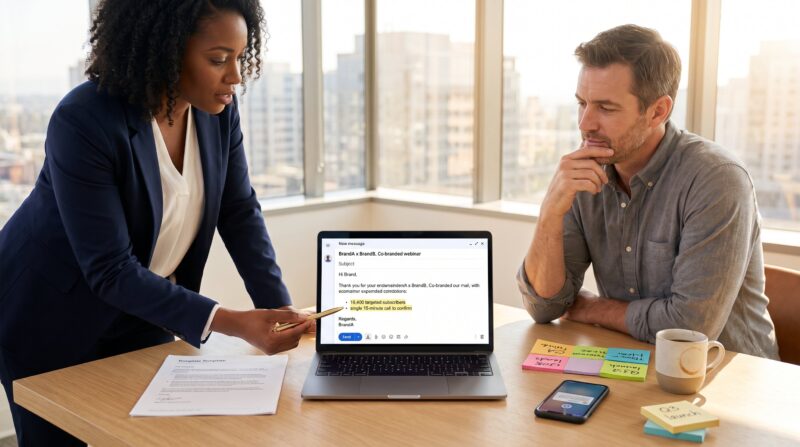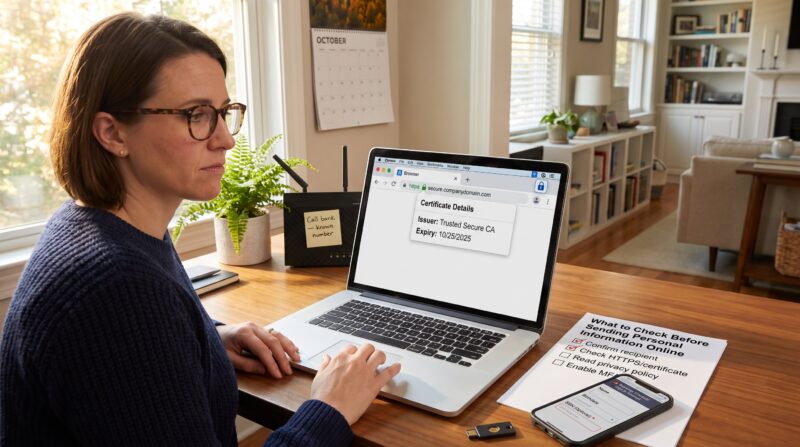
A reader who spots a factual error can restore an accurate public record and protect reputations by submitting a clear correction request. How to Suggest a Correction to an Online Publisher begins with one simple fact: only verifiable, material mistakes should trigger a formal request. This guide shows how they determine necessity, compile evidence, find the right contact, and send a concise correction that editors can act on. The steps are practical, neutral, and written so the reader can follow them immediately.
Key Takeaways
- Suggest a correction only for verifiable, material factual errors that affect accuracy or safety, not for opinions or minor style issues.
- Prepare a concise, professional correction request with clear evidence from primary sources like official documents or press releases.
- Clearly document the exact error with context, including article title, URL, and screenshots to help editors verify quickly.
- Lead correction messages with the correct fact, include a brief explanation, a suggested fix, and attach supporting evidence in a neutral tone.
- Identify and use the publisher’s preferred contact method promptly, following up politely if no response is received within three business days.
- Keep records of communication and saved corrections to track outcomes and support future requests if needed.
Decide Whether A Correction Is Necessary And Appropriate
Decide first: is the item factually wrong or merely opinion? A correction is necessary when a statement can be proven false, alters the record, or creates reputational or safety risks. They should not request corrections for interpretation, editorial tone, or minor stylistic choices.
To decide, the reader should compare the contested sentence against primary sources, official filings, public records, or direct statements. If a company press release shows different dates than the article, that is a clear factual mismatch. If the difference is a nuanced interpretation of events, it likely is not appropriate for formal correction.
Check the outlet’s own policy before acting. Many outlets publish correction or contact procedures that list eligible errors and the preferred channel. If the outlet lacks a visible policy, they should treat the issue as time-sensitive when it affects safety or legal standing, and proceed with collected evidence.
Prepare Clear, Verifiable, And Professional Evidence
Start with a focused claim: show exactly why the article is wrong, then back it with primary evidence. Editors respond best to concise, verifiable packets that remove guesswork.
Gather evidence that directly contradicts the piece. Official documents, government registries, court dockets, company filings, and dated press releases all rank highly. The reader should avoid social posts or opinion pieces as primary support unless those posts are the original source of a quoted claim.
Use neutral language and assume no prior knowledge. The reader must prepare a single PDF bundle or a short list of links that the editor can open and verify quickly. This level of preparation shortens editor response times and increases the chance of correction.
Gather Reliable Sources And Citations
State the corrected fact first, then list sources that verify it. Editors prefer citations to primary authorities: government databases, SEC filings, university pages, or archived press releases.
Example: if an article misreports a product launch date, provide the vendor press release dated on the correct day, the product page, and an archived snapshot showing the original announcement. Each claim in the disputed paragraph should map to at least one cited source.
When a public policy or procedure appears incorrect, an FAQ or official help page can clarify procedure. For a model of a contact page that routes corrections, an outlet may compare its practice to similar newsrooms: a useful example is the Engadget FAQ which outlines common reader contacts and procedures. Use the citation only to verify the procedural claim.
Document The Exact Error And Its Context
Show the precise error first, then the context. Copy the sentence verbatim and note where it appears (section title, paragraph number, or timestamp). Save a dated screenshot or create a PDF to preserve the original wording.
Documenting context helps editors see whether the error was a factual slip, a misattribution, or a quoting mistake. For instance, noting that an incorrect figure appears in both the headline and the second paragraph signals a larger problem.
Include the article URL and publication date with the copied text. If the piece exists behind a paywall, include a screenshot showing the passage so the editor need not log in to verify the complaint.
Draft A Concise Suggested Correction Message
Lead with the corrected fact, then add two short supporting points. Editors read many messages: the reader should keep the note to three or four short paragraphs.
A strong structure is: identify the article (title, URL, date), quote the incorrect text, provide a one-sentence explanation of the error, propose a one-sentence replacement, and attach supporting evidence. They should avoid accusatory language and keep sentences neutral and specific.
Example opening: “Article title (URL, date): The sentence ‘X’ incorrectly states Y. Official record Z shows Y is incorrect: suggested wording: ‘Correct sentence.’ Evidence attached: document names.” This approach speeds verification and reduces back-and-forth.
Identify The Right Contact, Channel, And Timing To Send Your Request
Identify the outlet’s preferred correction route first, then choose the most direct contact available. Many sites publish a corrections email, a corrections form, or an editor contact on their masthead. For related guidance, consult the team contact page.
If a site offers a corrections address, use it. If not, send the request to the byline author and copy the managing editor. When internal routes are unclear, the reader can use the site’s contact page to find the correct channel: WaveTechGlobal readers often follow the site’s contact guidance found in the contact crew page. For that, a helpful internal reference is the WaveTechGlobal contact page with team routing.
Timing matters: send the request promptly after publication. For errors that affect safety or legal standing, escalate immediately. For historical or minor factual errors, editors typically prioritize based on impact and available evidence.
How To Send The Correction, Follow Up, And Track Outcomes
Send the correction in a single, well-formatted message and attach evidence. Begin the message with one clear sentence stating the correct fact, then include the minimal supporting documents. Use a neutral subject line such as “Correction request: [article title]”.
If there is no reply within three business days, follow up with a brief reminder. If the follow-up goes unanswered after a reasonable interval, the reader may escalate to a senior editor or an ombudsperson when available. Keep a log of messages, dates, and any responses.
After a published correction or update, save the corrected page and note the date of the change. Tracking outcomes builds a short record that can be useful if the error recurs or if a legal question arises. For procedural help on choosing email versus a form, the site article on contact forms provides guidance on when to use each route.
About the Author