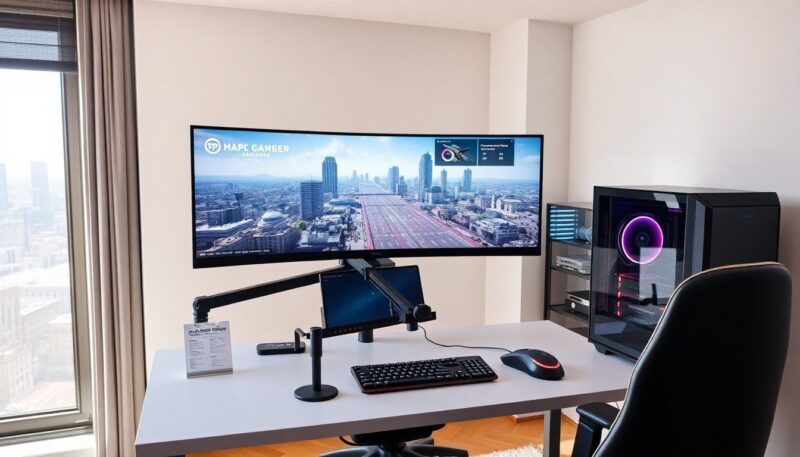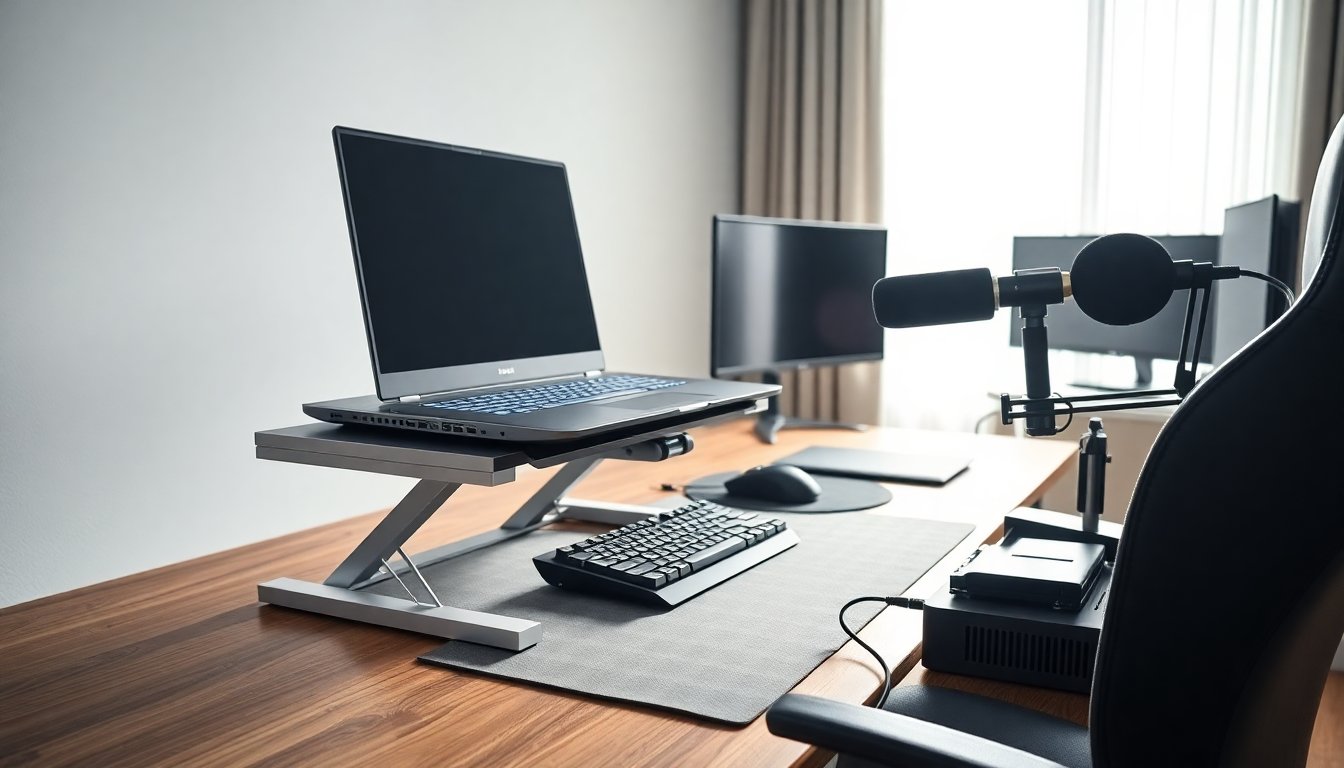
A gaming laptop stand improves cooling, comfort, and desk space. It raises the screen, aligns the keyboard, and clears airflow. Gamers choose a stand to reduce heat, lower fan noise, and extend laptop life. This guide explains types, selection criteria, and simple setup steps. It helps readers pick a gaming laptop stand that fits their needs and play style.
Key Takeaways
- A gaming laptop stand enhances cooling by improving airflow, which stabilizes performance and extends laptop lifespan.
- Using a stand elevates the screen to eye level, reducing neck strain and wrist fatigue for better comfort during long gaming sessions.
- Choose the right gaming laptop stand type—riser, cooling pad, adjustable arm, or docking base—based on your laptop size, mobility, and gaming setup.
- Prioritize durability, ventilation, and proper weight capacity when selecting a gaming laptop stand to ensure optimal use and prevent blocked vents.
- Proper setup and maintenance, including adjusting heights, cleaning vents, and securing joints, maximize the benefits of a gaming laptop stand for long-term use.
Why Use A Gaming Laptop Stand? Benefits For Cooling, Comfort, And Longevity
A gaming laptop stand lifts the device to increase airflow. It reduces heat that slows the CPU and GPU. Lower heat keeps frame rates steadier during long sessions. A stand also raises the screen to eye level. It improves posture and reduces neck strain. Users report less wrist fatigue when the laptop angle matches their hands. A stand creates space for cables and external cooling pads. Over time, the stand helps prevent thermal throttling and may extend battery and component life. Gamers who play daily often see the most benefit from a stand.
Common Types Of Gaming Laptop Stands
Stands come in simple risers, adjustable arms, cooling pads, and docking bases. Each type serves a clear function. Risers lift the laptop with minimal parts. Cooling pads add fans under the laptop. Adjustable arms let users change height and angle. Docking bases add ports and elevate the laptop for a desktop setup. Buyers should match the stand type to their desk, mobility needs, and gaming habits. For example, a traveler prefers a light riser. A streamer may prefer a docking base with extra ports. Choosing the right type avoids wasted features.
How To Choose The Right Gaming Laptop Stand For You
Buyers should match the stand to their laptop size and use case. They should verify weight capacity and ventilation align with the laptop model. They should consider desk space and where they game. They should decide if they need extra ports or an integrated dock. Price matters, but durability and warranty matter more for daily use. Reviews and images help confirm real-world fit. Shoppers should avoid stands that block vents or force awkward angles. A clear list of priorities helps them narrow choices quickly.
Setup, Maintenance, And Ergonomics: Get The Most From Your Stand
Set the laptop at a height that keeps the top of the screen at eye level. Place an external keyboard and mouse at a neutral wrist height. Clean vents and fans regularly to keep cooling efficient. Tighten movable joints when they loosen. Use rubber pads to prevent slippage and to protect desk surfaces. Check cable routing to avoid strain on ports. If the stand includes fans, replace or clean fan filters per the manufacturer schedule. These simple steps keep the stand working and improve comfort during long sessions.
About the Author