Freelancers and bloggers live on volume. Five client posts a week, a newsletter, your own blog, and AI does the first draft for most of it.
The catch: raw AI text reads like a template, and clients notice. The tone is flat, the sentence structure repeats, and the human voice they hired you for is missing.
An AI humanizer fixes that. It takes machine generated text and makes the writing sound human, with the original meaning intact, so you can ship fast without sounding like a bot.
This guide is for solo writers. Our testing ran the same AI text through each AI tool and judged natural output, whether the point survived, how it did against AI detection tools, and what each costs when you pay for it yourself.
We compared five AI humanizer tools, from a completely free option to an all-in-one platform, so you can pick the best AI humanizer for your workload.
What Is an AI Humanizer?
An AI humanizer is an AI text humanizer that helps turn AI generated text into natural human writing. It varies sentence length and sentence structure, swaps common AI patterns for plainer wording, and shifts tone so a post reads like a person wrote it.
The difference from a rewriter matters. A rewriter swaps words to improve clarity. A humanizer rebuilds the flow and sentence structure so the whole piece stops sounding machine generated, which no other AI tool does as directly. The original meaning stays put either way.
Why Freelancers Use an AI Humanizer
Three reasons, and the first is money. Clients pay for writing that sounds like their brand, not like ChatGPT, and an AI humanizer gets AI generated drafts there in one pass instead of an hour of manual edits. That speed is billable time.
Second is SEO writing. Search engines flag AI content that looks mass produced, so making blog posts sound natural and engaging protects the rankings you are paid to deliver. The difference in engagement shows up in time on page.
Third is trust. Some clients run AI detection tools on submissions. A humanizer lowers false positives on your own AI-assisted work, and privacy-first tools do not store your text, which matters when you handle client drafts.
The same logic applies to students and academic users, who face stricter checks in academic settings, but for freelancers the goal is simpler: writing that sounds human and keeps the client. Students writing for a campus blog sit somewhere between the two.
How an AI Humanizer Works
Machine generated writing is too even: the same structures, a consistent rhythm, no surprises. To humanize AI text, an AI tool has to break that pattern.
It adds syntax variation for a human-like flow, mixes short and long sentences, and applies tone shifts to keep the writing engaging. Most tools learn from human writing, which is how they pick up natural sentence flow while keeping the original context of your draft, even in technical pieces.
Can Any Humanizer Beat AI Detection Tools?
The honest answer: no tool guarantees a pass. Turnitin, GPTZero, and Originality update their models often, and independent testing usually lands well below advertised bypass rates. Undetectable AI, for example, advertises 99.8% while independent 2026 tests put it in the high 80s.
What a humanizer does reliably is make AI content sound natural, which lowers detection scores and false positives. Read any bypass claim as an improvement, not a promise, and review the humanized output before it goes to a client.
How We Tested the Best AI Humanizer Tools
Our testing used real freelance work: a 900-word blog post, a product description, and an email newsletter. Each AI tool got the same input.
What We Tested For
We weighed five things: how natural and human the output read, whether the meaning survived, how it did in detection testing, how fast it processed a full post, and what you get on the free tier before paying. Every AI text humanizer got the same rules.
A high human score means nothing if the post no longer says what the client asked for. So meaning intact and natural flow mattered most in our testing.
The Best AI Humanizer Tools for Freelancers, Ranked
Pricing is accurate as of publication and can change. Confirm current plans on each tool’s own site before you buy.
|
Tool |
Best for |
Starting price |
Watch for |
|
Eliten AI Humanizer |
All-in-one: humanize, check, edit |
Freemium (free credits to start) |
5,000-character input per run |
|
SuperHumanizer |
Zero-budget humanizing |
Free (1,200 words per run) |
No built-in detector |
|
WriteHuman |
Short posts and quick polish |
From ~$12/mo annual |
Enhanced mode on higher tiers |
|
StealthWriter |
Daily volume on a free plan |
Free plan; paid from ~$20/mo |
Mixed independent reviews |
|
Grubby AI |
Cheapest paid entry |
From ~$6.99/mo annual |
No detector, weak on strict checkers |
1. Eliten AI Humanizer: Best All-in-One for Solo Writers
Eliten’s AI Humanizer took our top spot because it does the three things a freelancer needs in one platform: humanize a draft, check it against a built-in detector, and edit, without switching tools or subscriptions.
Paste up to 5,000 characters, pick a style (Casual, Professional, or Academic) and a rewrite level (Light, Moderate, or Heavy), and a Premium advanced mode uses a stronger model. It varies sentence length, replaces common AI patterns, and keeps a natural human tone.
A quick sign-up gets free credits, your text is not stored or used for training, and it works in multiple languages, handy if you write for clients in more than one market. Pricing is freemium; check Eliten’s pricing page for current plans.
Freelancers and bloggers who want one platform for humanizing, detection, and editing, and who would rather pay for one tool than three.
2. SuperHumanizer: Best Zero-Budget Pick
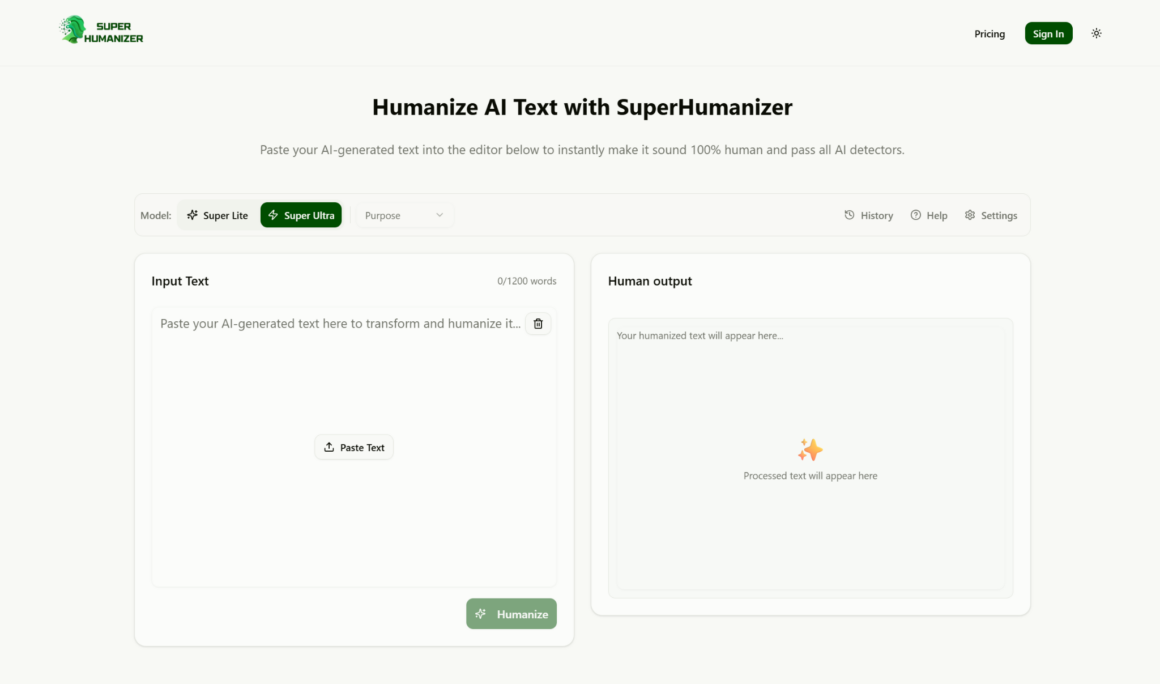
SuperHumanizer is the best free option we tested. It processes up to 1,200 words per run at no cost and claims a 97% success rate at reducing detection on its own tests.
There is no paywall for the core humanizer, which is rare in this category. The trade-off is fewer controls: no style presets and no built-in detector, so you check output with other tools.
For a completely free tier, the natural writing it returns is solid, and the 1,200-word limit covers most blog posts. Fast processing means a full post comes back in seconds.
Writers starting out, or anyone who needs to humanize text from AI a few times a week and would rather keep the money for other tools.
3. WriteHuman: Best for Short Posts and Quick Polish
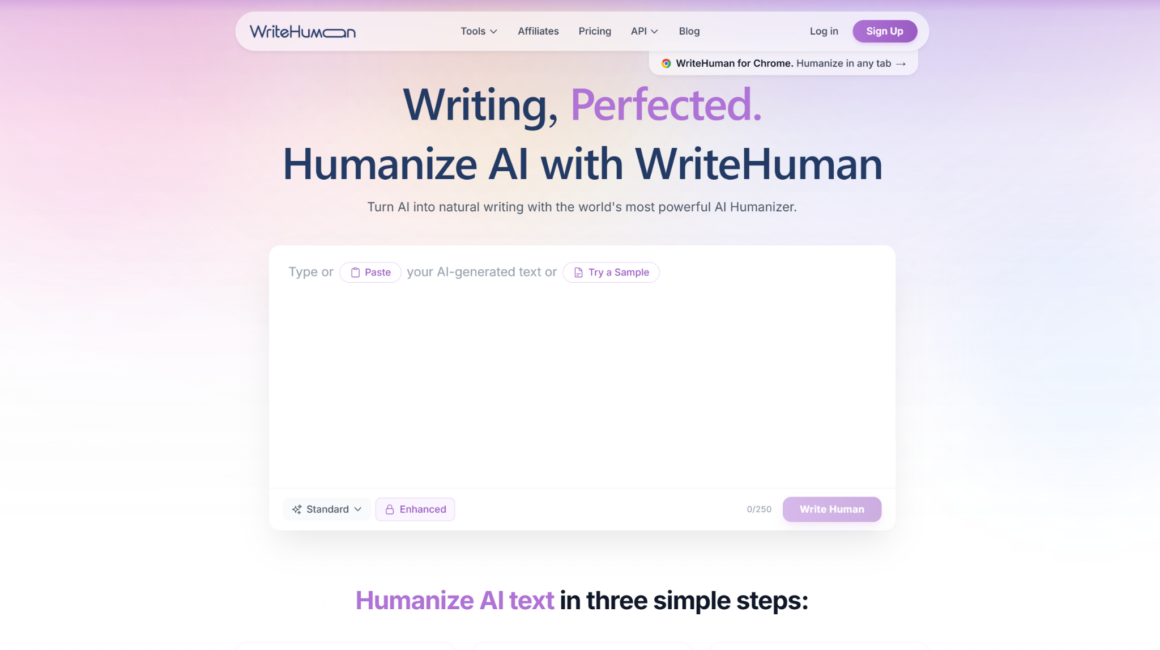
WriteHuman is built for shorter pieces: social posts, product descriptions, short articles. It rebuilds sentence structure rather than swapping synonyms, and reports its detection score dropping from 90% to 8% on its own tests.
A built-in human score tracker shows progress, and it supports 40+ languages. Reviewers describe it as a light polish tool that shines on short AI text and gets inconsistent on long ones. The free plan is a few short requests a month; paid plans start around $12 a month on annual billing, with the Enhanced mode on higher tiers.
Bloggers who publish short, frequent pieces of AI writing, want to humanize AI text fast, and like a visible human score on their writing.
4. StealthWriter: Best for Daily Volume Without Paying
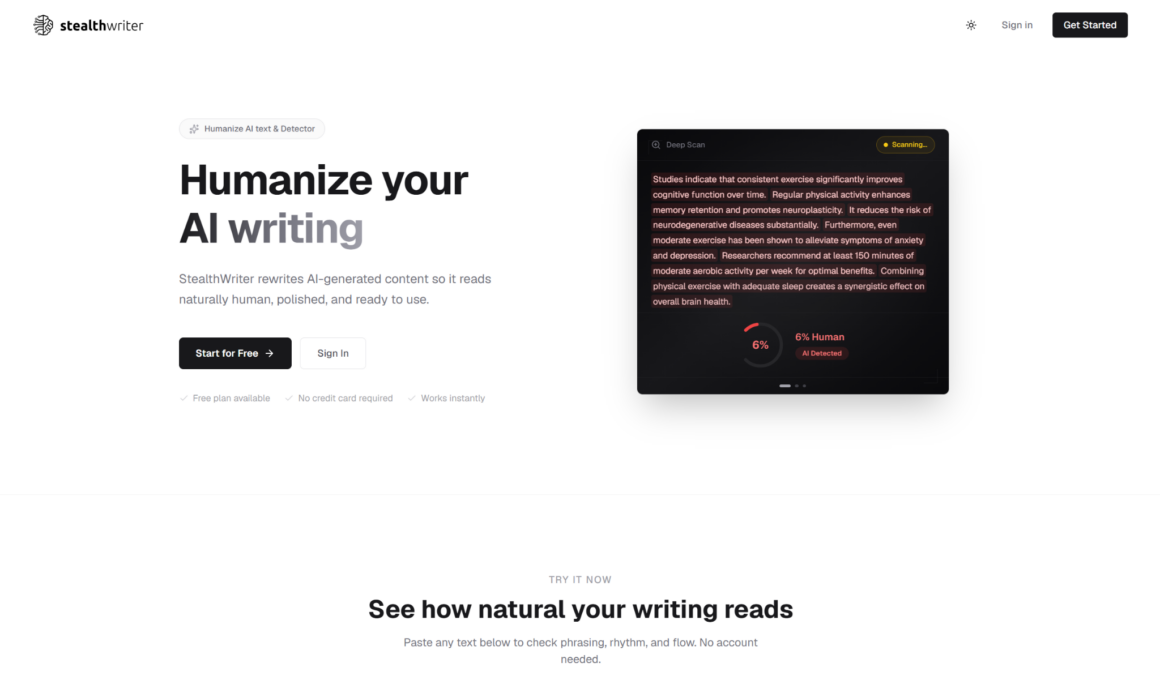
StealthWriter gives you a real daily allowance without paying: a limited number of humanizations and AI scans per day. For a freelancer testing the workflow, that is enough to run several drafts a week.
It pairs the humanizer with an AI detection checker and rewrites while trying to keep tone and context. Independent reviews are mixed: bypass results vary by detector, and some users report output that needs a manual edit, word by word.
Paid plans start around $20 a month and rise with word count; check the site for current tiers.
Writers who want daily free volume and AI detection tools in one place, and who will proofread every word before sending.
5. Grubby AI: Best for the Cheapest Paid Entry
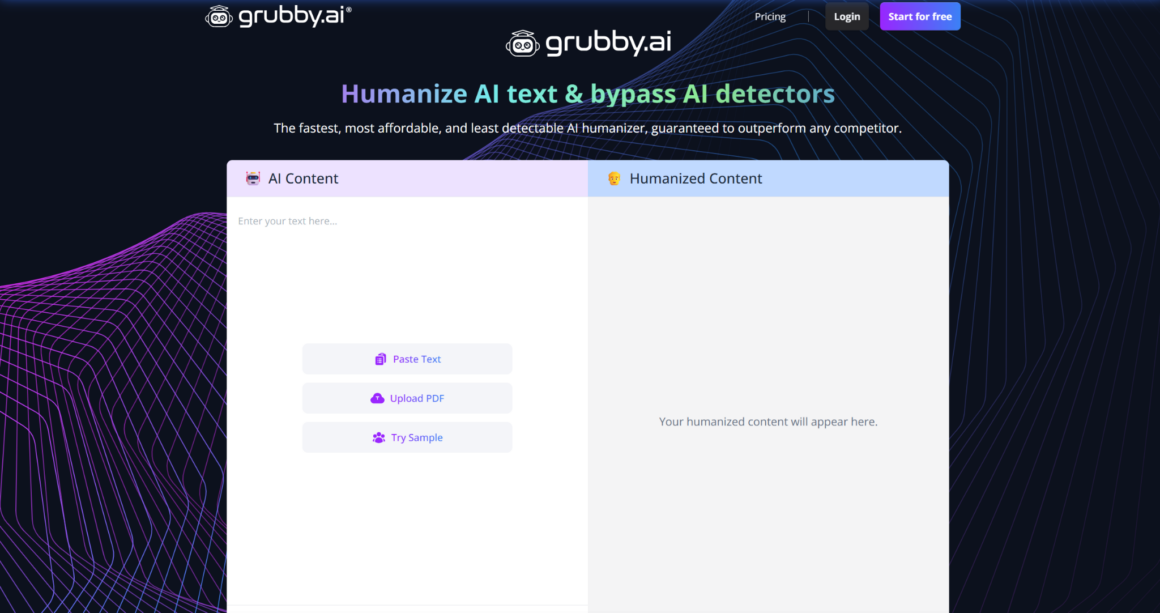
Grubby AI is the budget pick. Its entry plan is one of the lowest prices in the category, which is why it appeals to freelancers who need volume without a big subscription.
It rewrites through synonym swaps and sentence restructuring, with selectable modes on paid tiers and about 300 free words a month to test. It has no built-in detector, and independent testing shows it evades lighter checkers but stays flagged on stricter ones like Turnitin.
Paid plans start around $6.99 a month on annual billing; confirm the current rate on the site, since the per word price changes with the plan.
Writers on a tight budget who humanize plain English drafts and will verify output with a separate detector.
How Freelancers Put an AI Humanizer to Work
Client Blog Posts
Draft with AI, humanize AI text at a moderate level, then edit for the client’s voice. The humanizer handles the robotic phrasing; you handle the brand. For long technical posts, a long-form tool like Walter Writes AI is also worth a look.
Newsletters and Emails
Newsletters need a human tone more than anything. A light humanizing pass makes an AI draft read like a personal note, and different types of email respond to different rewrite levels in these AI tools.
Your Own Blog
Your own posts carry your voice, so keep the rewrite light. Use the humanizer to speed up the first draft and improve clarity, then write the intro and conclusion in your own words so the tone stays yours.
How to Choose the Best AI Humanizer for Your Work
There is no single best AI humanizer for every freelancer. Match the AI tool to how you work.
Match the Tool to Your Workflow
Want humanizing, detection, and editing in one place? An all-in-one AI tool saves subscriptions. Publishing short pieces daily? A quick humanizer with a free plan is enough. Need to humanize text and check it in the same tool? Pick one that bundles a detector.
Test each AI humanizer on your own writing before other tools, because the good choice for most users is the one that keeps your meaning while sounding natural.
Working With a Tight Budget
Start with the free AI tools. SuperHumanizer is completely free for its core feature, StealthWriter gives a daily free allowance, and Eliten and WriteHuman both give free credits to try.
Only pay when the free limits or the word limit slow you down. Annual plans cost far less than monthly, and the cheapest paid plan is not always the best place to start.
How to Humanize AI Text Without Losing Your Voice
Over-processing is the main risk. Push a heavy mode and the output stops sounding like you and starts sounding like a press release. To humanize AI text well, start with a light rewrite level and raise it only if the post still reads as machine generated.
Then read it back. A humanizer preserves your meaning, but you know your own original voice, so edit any phrasing that drifts. Paste, humanize, review, adjust: that loop is basically the whole workflow, and it keeps the flow of natural writing that sounds like you.
Frequently Asked Questions
How Do You 100% Humanize AI Text?
You cannot 100% humanize AI text and guarantee it passes every detector, and any tool promising that is overselling. What works is a strong AI humanizer followed by your own edit: rewrite the opening in your own words, vary sentence length, and check every claim.
Is There an AI Humanizer That Actually Works?
Yes, several AI humanizer tools work well at their real job: making AI text read naturally while keeping the meaning. Eliten, SuperHumanizer, WriteHuman, Undetectable AI, and Walter Writes AI all humanize AI content well. None guarantee a detector pass, so judge these tools on natural, on-brand output and treat detection as a bonus.
What AI Humanizer Can Bypass Turnitin?
Some tools advertise high Turnitin bypass rates, but independent testing shows Turnitin is one of the harder detectors, and every AI humanizer scores lower against it. No tool can promise a Turnitin pass. For academic work, students should follow their institution’s academic integrity rules rather than rely on a humanizer to hide authorship.
Is There a Humanizer on ChatGPT?
Not a dedicated one. You can prompt ChatGPT to rewrite casually, but it was not built to humanize text or reduce detection, and results vary. A purpose-built AI text humanizer, or an all-in-one AI tool that pairs humanizing with a detector, gives more consistent output when you humanize AI text.
The Bottom Line
An AI humanizer earns its place in a freelance workflow when it makes AI content sound human, keeps the meaning intact, and saves you time you can bill. Every tool here does that to a degree; the right one depends on your volume, your budget, and how much control you want. The best AI tools also let you humanize AI content and check it in one place.
If you want humanizing, detection, and editing on one platform without switching tools, Eliten is where we would start. Whatever you choose, run it on your own writing first: the best AI humanizer is the one that still sounds like you.
About the Author